


Dreamega.ai

Unlimited GPT Image 1.5 Text to Image / Image Edit Generator

Create unlimited images with OpenAI's GPT Image 1.5 - a high-fidelity AI image generator with strong prompt adherence. Support for text-to-image generation and powerful image editing, preserving composition, lighting, and fine-grained detail. Transparent backgrounds, multiple output formats, batch generation available. No watermark, unlimited generations.

Public
0 / 8192
*

GPT Image 1.5 Text to Image Gallery

Experience the high-fidelity power of GPT Image 1.5 text-to-image generation. Create stunning images from detailed text descriptions with strong prompt adherence, preserving composition, lighting, and fine-grained detail.

Create with GPT Image 1.5
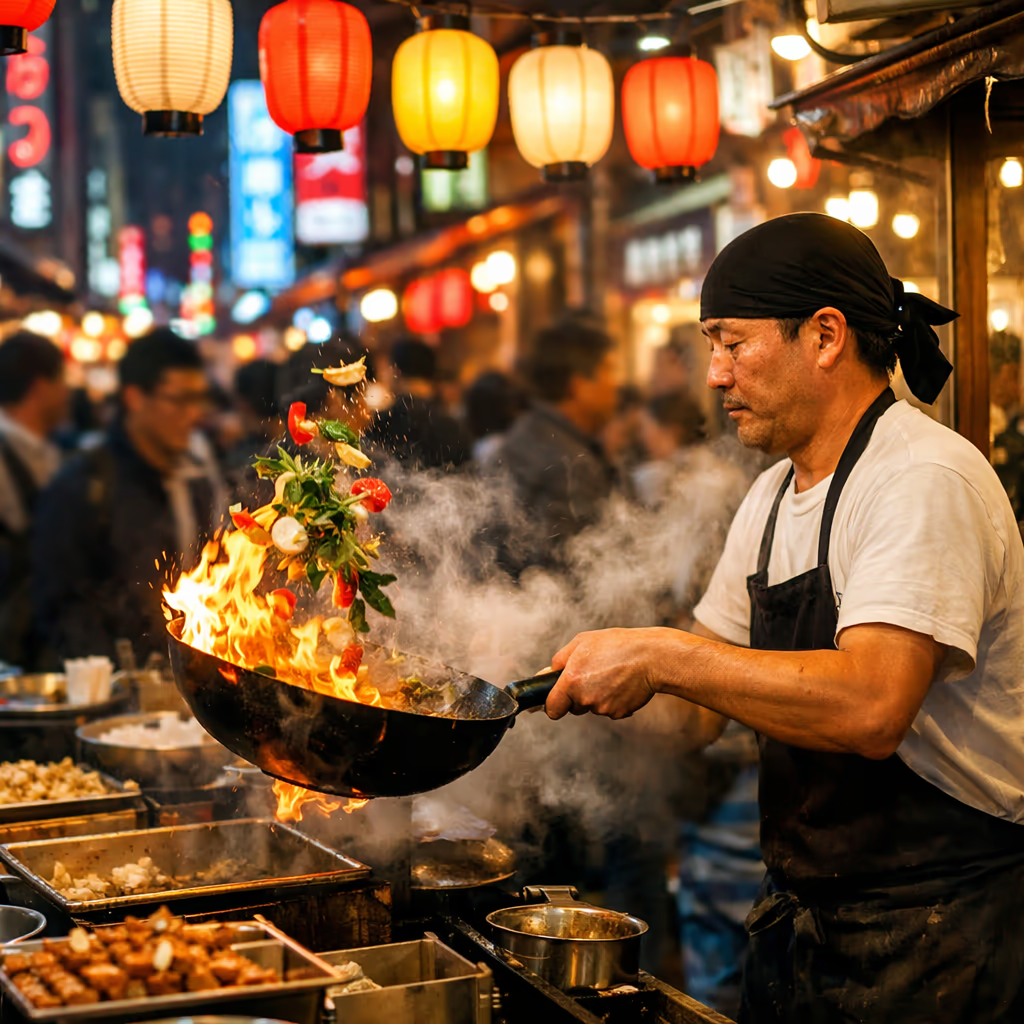
Tokyo Street Food Night
AI Image
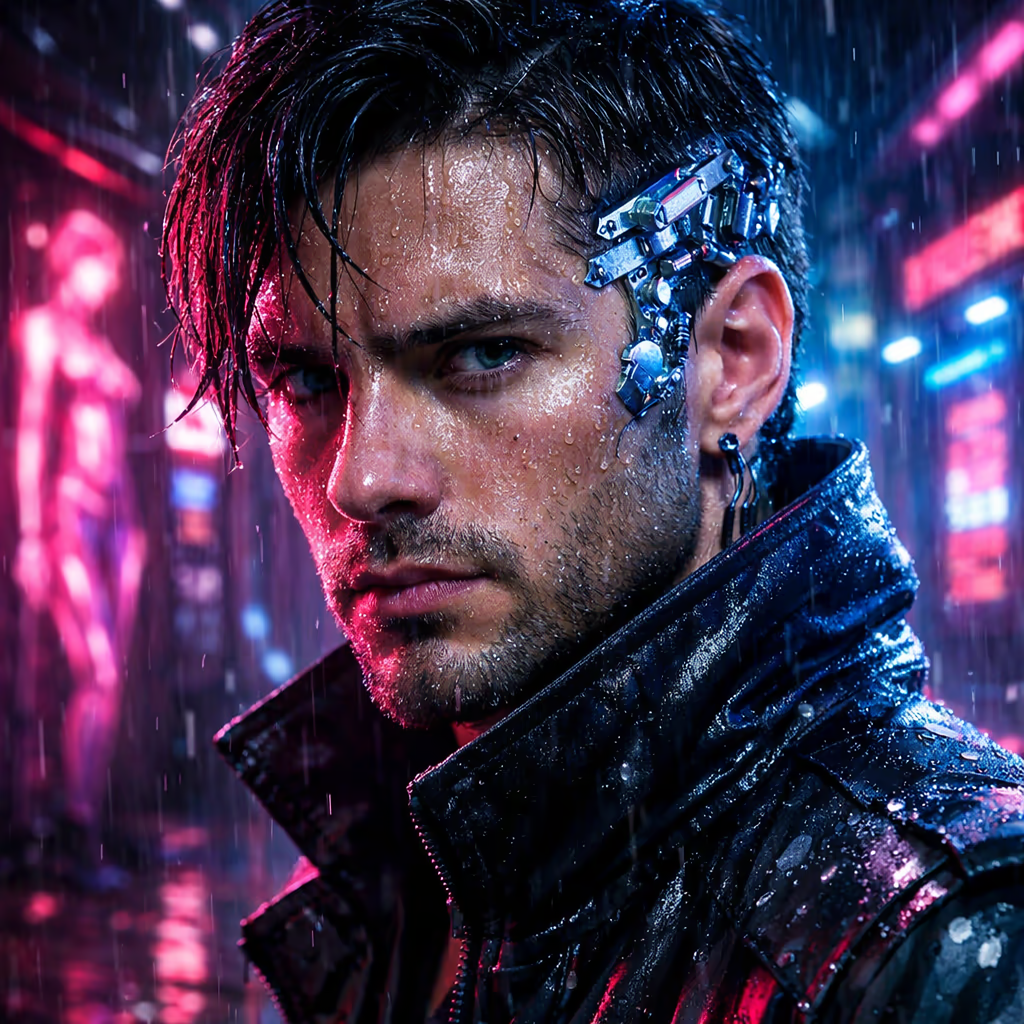
Cyberpunk Hacker Portrait
AI Image
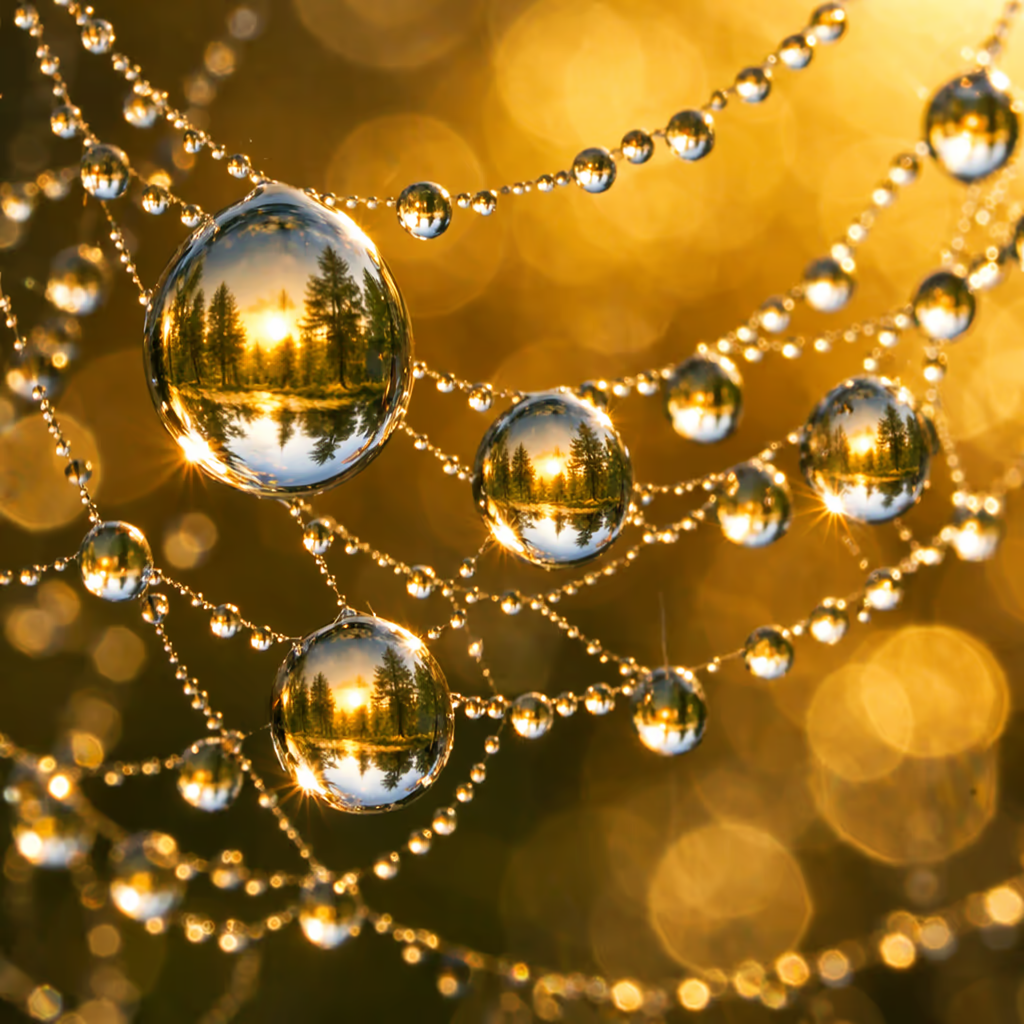
Morning Dew Macro
AI Image
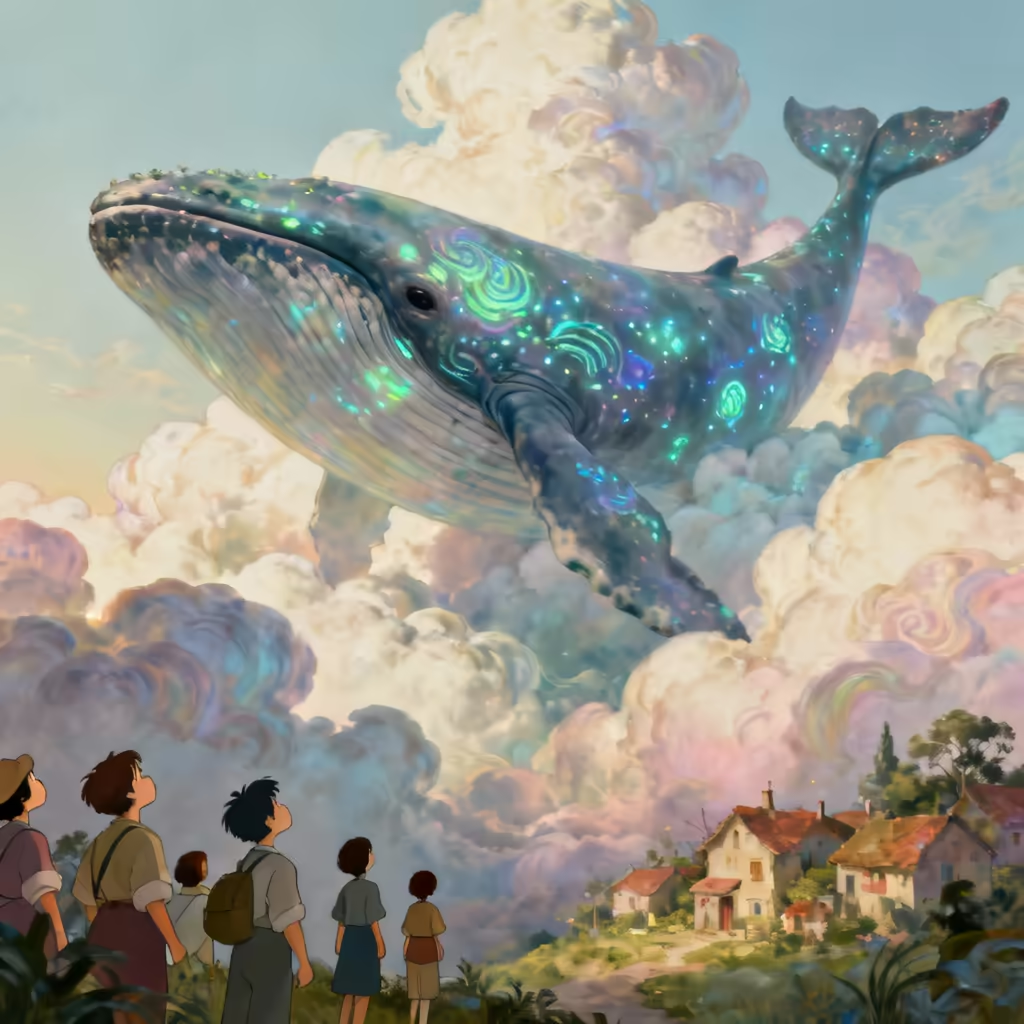
Surrealist Whale Village
AI Image
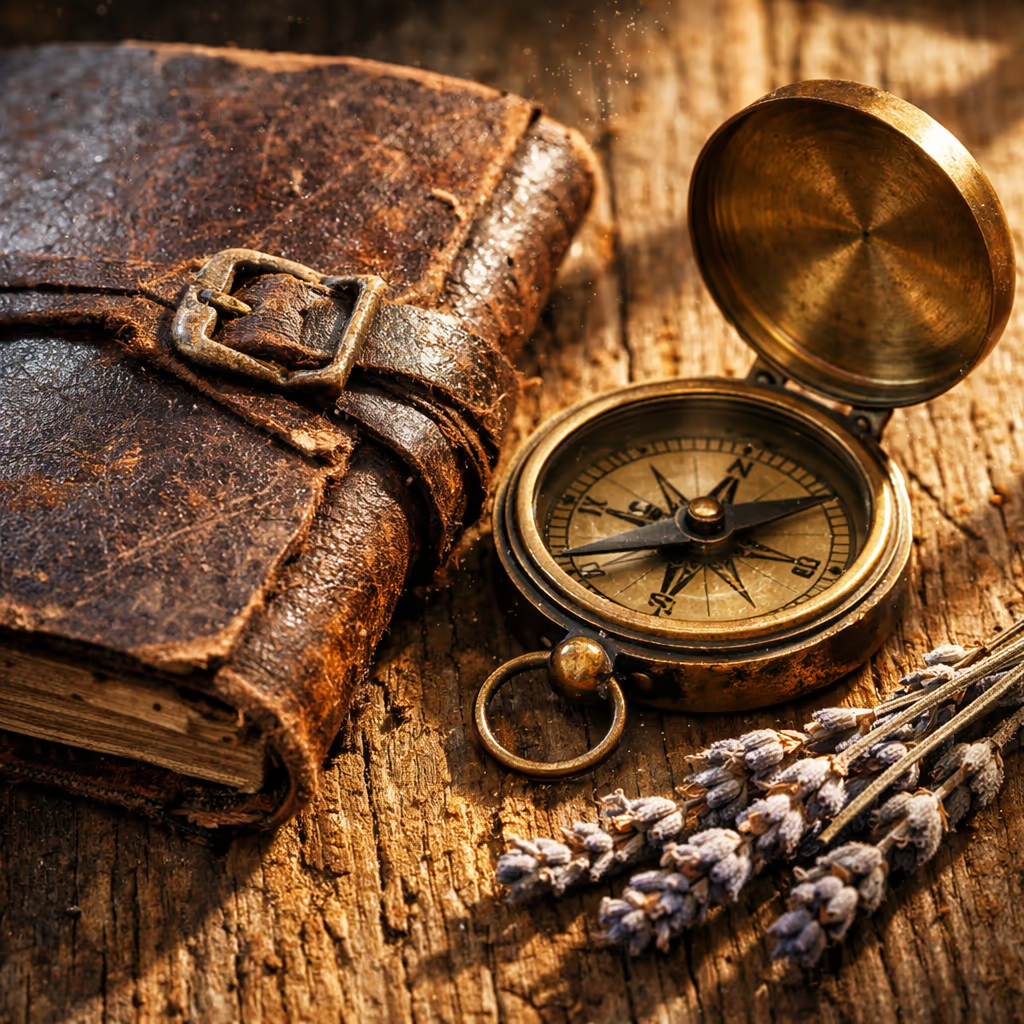
Vintage Still Life
AI Image

Tokyo Street Food Night

Chef tossing flaming wok with vegetables in a vibrant Tokyo street food market at night.

Prompt

Street food market in Tokyo at night, chef tossing flaming wok with vegetables mid-air, steam rising, colorful paper lanterns overhead, motion blur on crowd in background, vibrant neon signs, photojournalism style

GPT Image 1.5 Image Edit Gallery

Experience the powerful image editing capabilities of GPT Image 1.5. Transform your images with natural language instructions while preserving composition, lighting, and fine-grained detail from reference images.

Edit with GPT Image 1.5
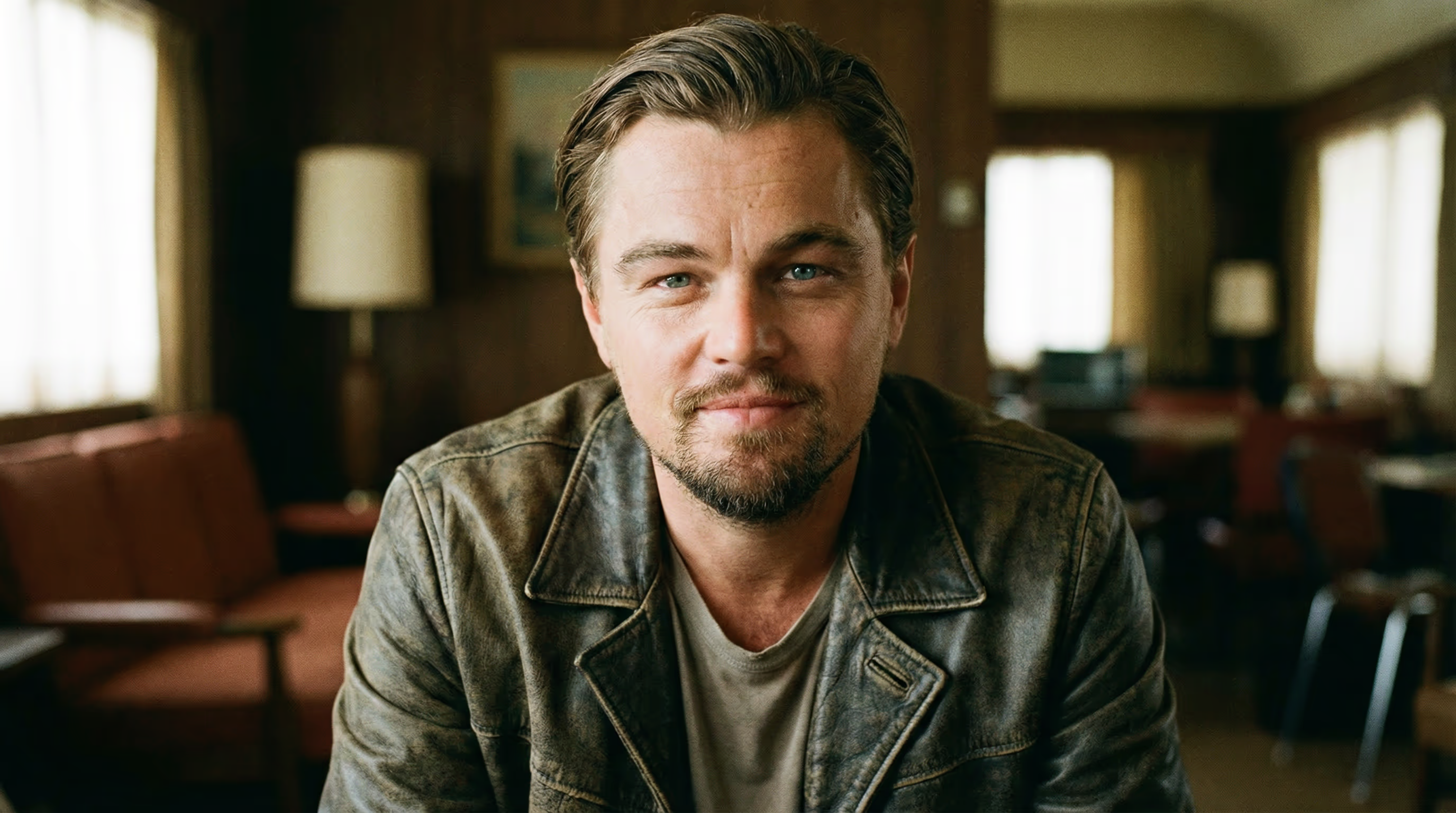
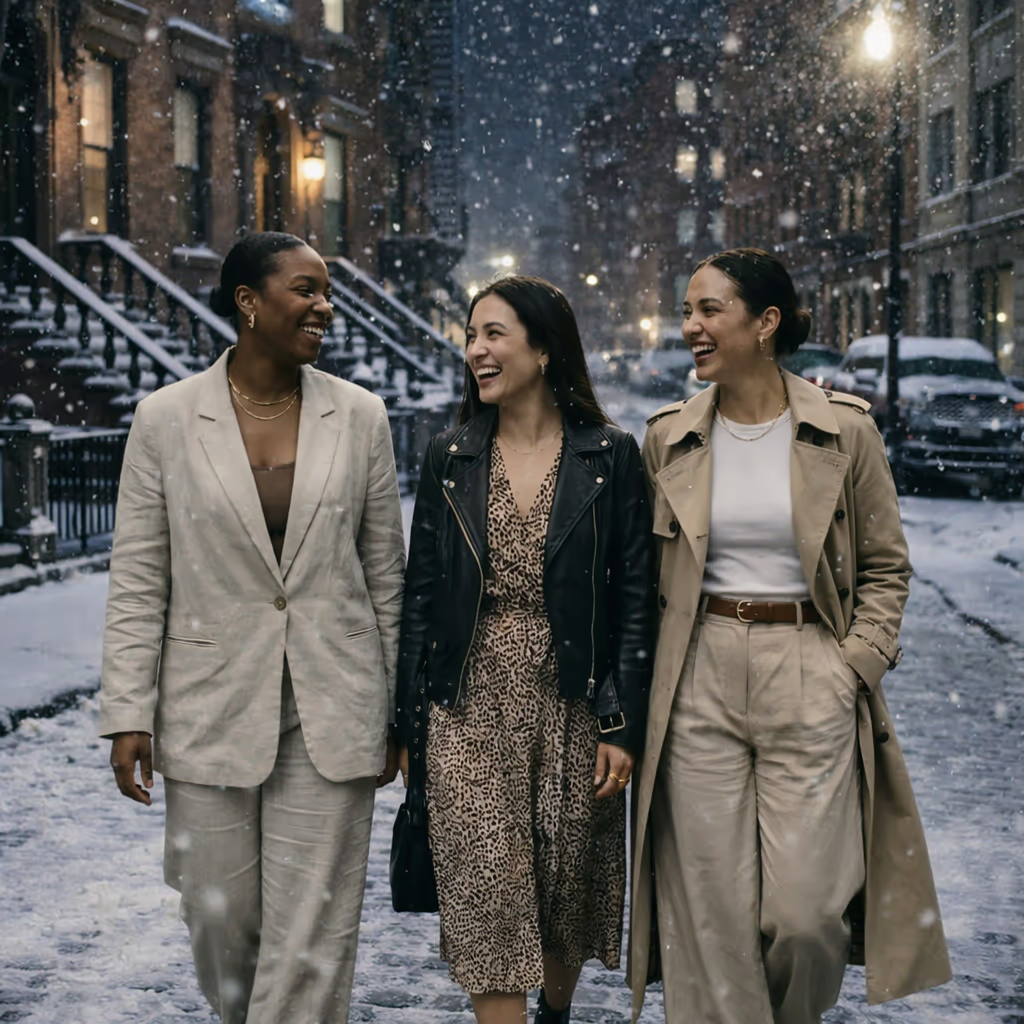
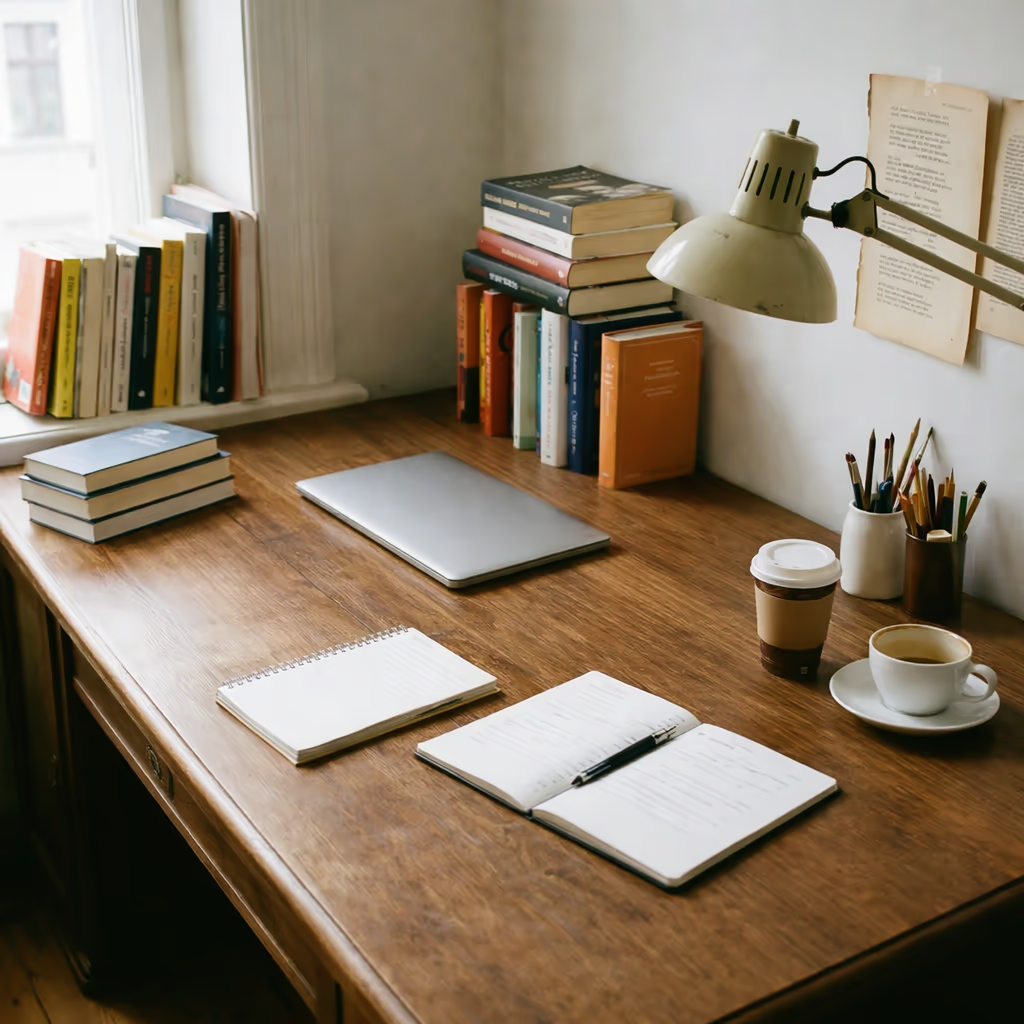
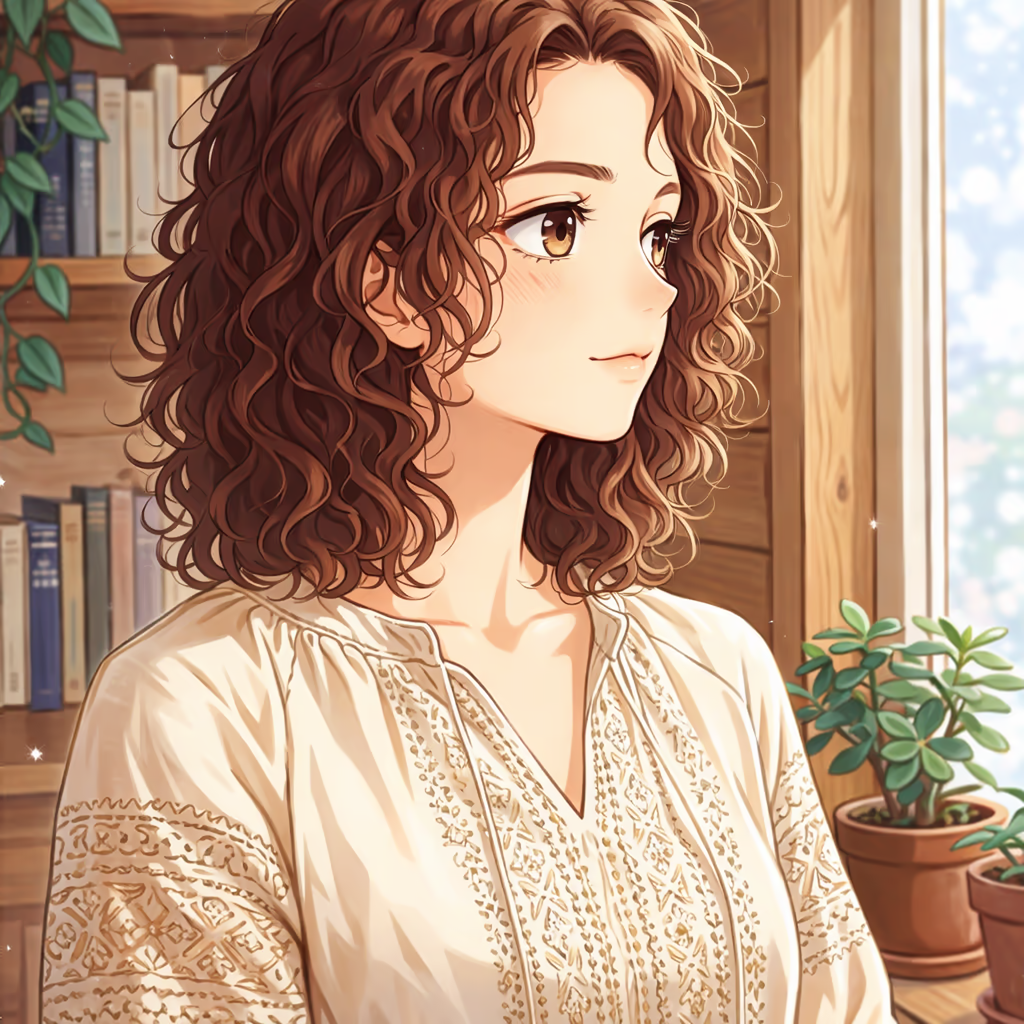
Input
Snowy Night Transformation - Input 1
Image
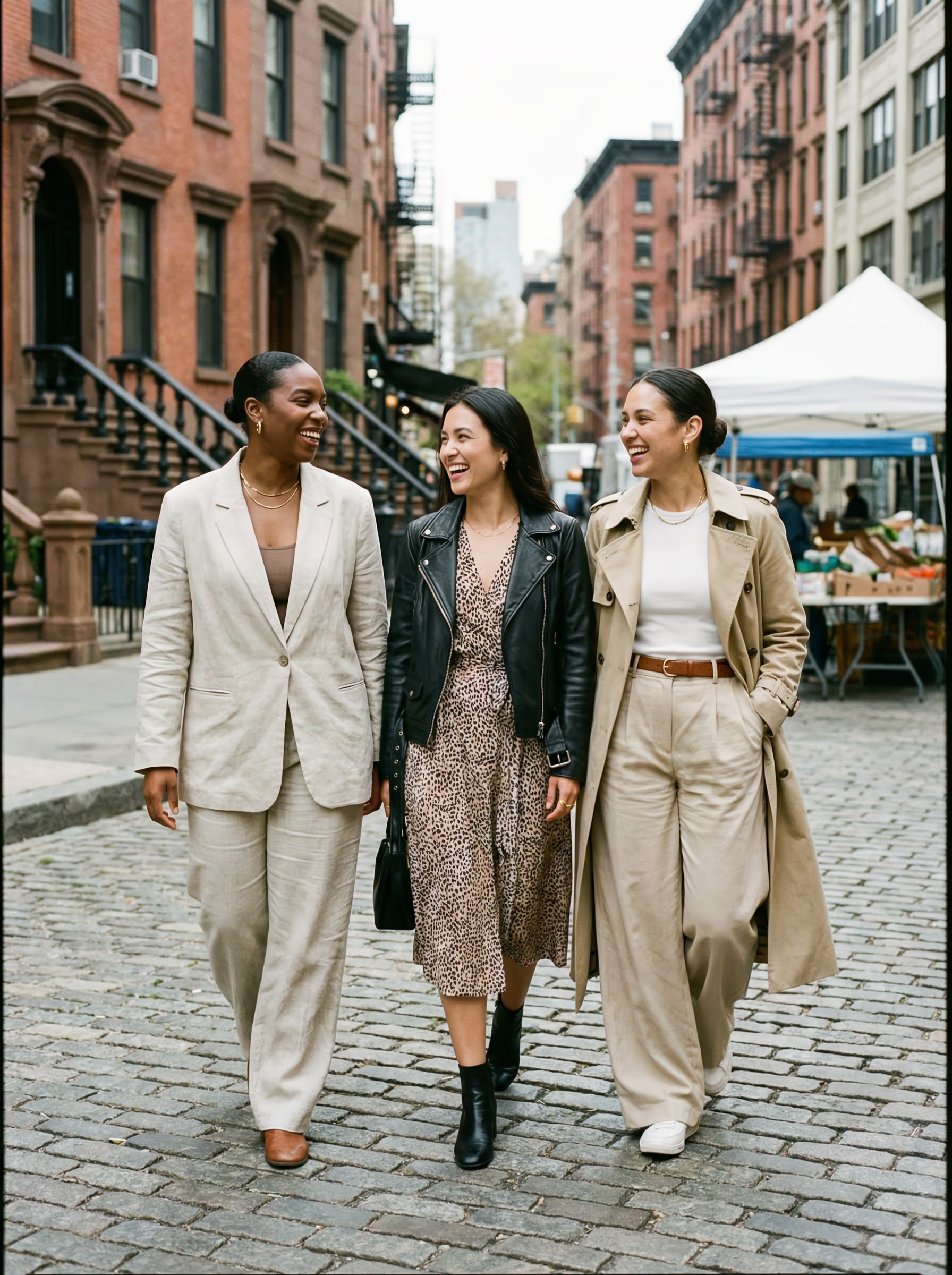
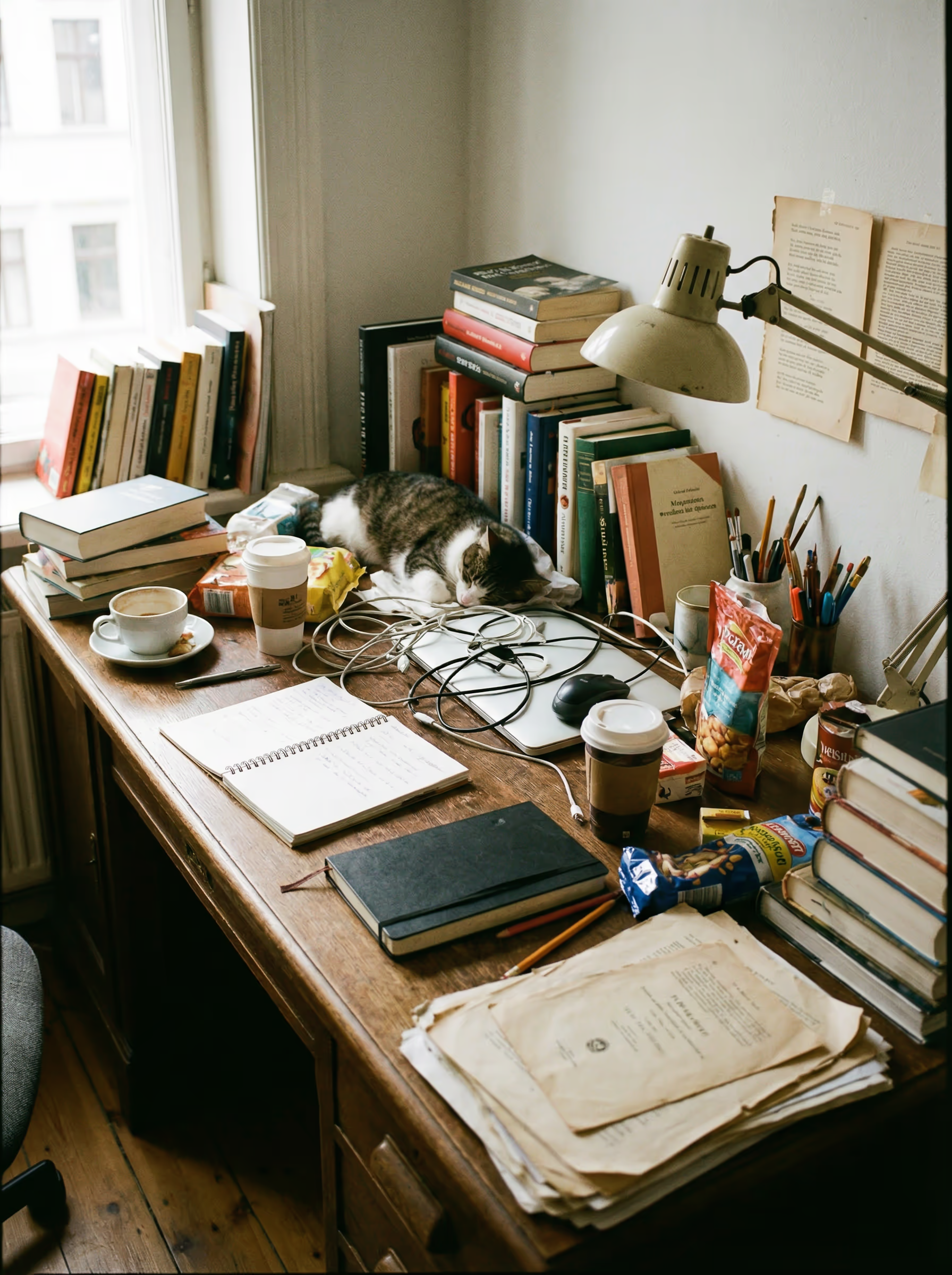
Desktop Organization - Input 1
Image
Manga Style Conversion - Input 1
Image
Object Replacement - Input 1
Image
Multi-Image Composition - Input 1
Image
Input 1
Multi-Image Composition - Input 2
Image
Input 2
Output
AI Generated
AI Generated
AI Generated
AI Generated
AI Generated
AI Generated
AI Generated
AI Generated
AI Generated
AI Generated
Snowy Night Transformation

GPT Image 1.5: Enhanced OpenAI Art with Improved Precision | Kify

Experience GPT Image 1.5 - OpenAI's upgraded image model delivering sharper details and pixel-perfect accuracy. Try the enhanced AI art generator free.

1.5Version
Text RenderingExcellence
3 SizesFlexibility
Edit ModeFeature

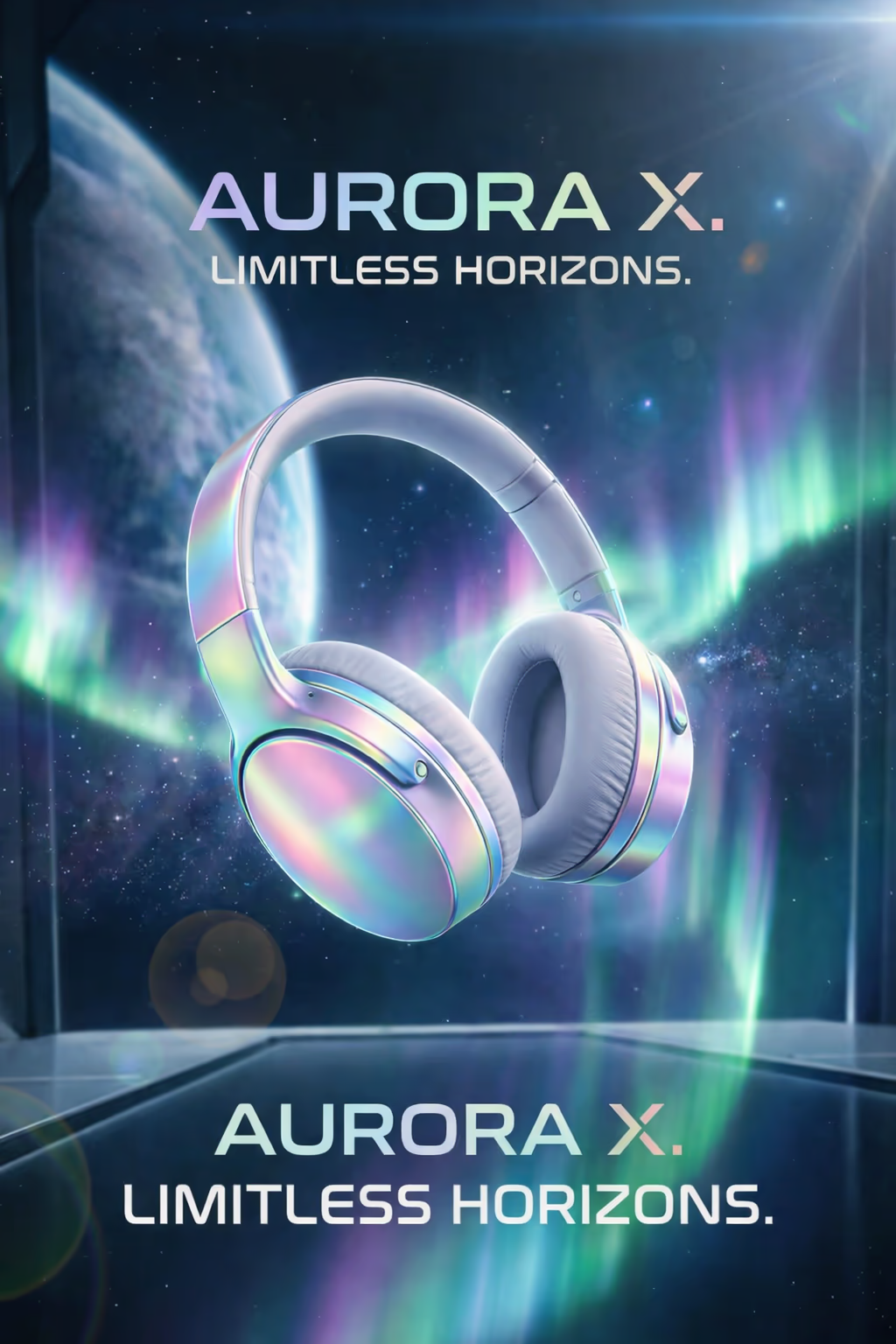
GPT Image 1.5 represents OpenAI's precision-focused upgrade, engineered for pixel-perfect accuracy and refined detail control. This enhanced model transforms your prompts into images with unprecedented fidelity, making every generated element exactly as you envisioned.

GPT Image 1.5's Powerful Features

Discover the advanced capabilities that make GPT Image 1.5 exceptional for image generation and editing

High-Fidelity Image Generation

Generate images with exceptional detail and clarity, preserving fine-grained textures, accurate lighting, and precise composition from your prompts.

Strong Prompt Adherence

Experience superior understanding of complex prompts with accurate interpretation of detailed descriptions, styles, and specific visual requirements.

Powerful Image Editing

Transform existing images using natural language instructions while maintaining original composition, colors, and important visual elements.

Multi-Image Composition

Combine elements from multiple input images into cohesive new creations, perfect for merging subjects, backgrounds, or style elements.

Transparent Background Support

Generate images with transparent backgrounds directly, ideal for product photography, logos, and design assets without manual editing.

Flexible Quality Settings

Choose from low, medium, and high quality settings to balance generation speed and credit usage based on your project needs.

Multiple Output Formats

Export your generated images in PNG, JPEG, or WebP formats, supporting various use cases from web to print applications.

Batch Generation

Generate up to 4 image variations in a single request, efficiently exploring different interpretations of your creative prompts.

Frequently Asked Questions

Common questions about GPT Image 1.5 image generation

Still have questions?

GPT Image 1.5 offers two main modes: Text-to-Image (generate images from text descriptions) and Image Edit (modify existing images with text instructions). The model excels at photorealistic generation, accurate text rendering in images, and precise object manipulation while maintaining overall image coherence.
GPT Image 1.5 offers three quality levels: Low (faster generation, good for previews), Medium (balanced quality and speed), and High (maximum detail and fidelity). Higher quality settings produce more detailed results but require more processing time and credits.
The model supports three output sizes: 1024×1024 (square), 1536×1024 (landscape), and 1024×1536 (portrait). These aspect ratios cover most common use cases from social media posts to professional artwork.
Yes, GPT Image 1.5 has excellent text rendering capabilities. It can accurately generate text, logos, signs, and typography within images while maintaining proper spelling and readability, making it ideal for marketing materials and designs requiring embedded text.
Image Edit mode allows you to upload existing images and provide text instructions for modifications. You can change backgrounds, add or remove objects, transform styles, or even combine multiple images. The model intelligently modifies the image while preserving areas that shouldn't change.
Yes, GPT Image 1.5 supports multi-image composition. You can upload multiple source images and instruct the model to combine elements from different images into a cohesive final result, perfect for creating composite scenes or merging subjects from different photos.

GPT Image 1.5 YouTube Videos

Watch demonstrations and tutorials showcasing GPT Image 1.5's advanced AI image generation and editing capabilities with natural language instructions

GPT Image 1.5 Popular Reviews on X

See what people are saying about GPT Image 1.5 (OpenAI's latest image model) on X (Twitter)

Flexible AI Pricing

Pay-as-you-go credits or subscription plans. No hidden fees, cancel anytime.