



Logo

AI Face Editor

Customize facial features with AI — reshape face contours, adjust eyes, nose, lips, and skin tone to create your ideal portrait. Upload a photo or describe your character from scratch, then let AI bring your vision to life in seconds.

Face Photo
0 / 500

AI Face Editor Gallery

Explore AI face editing results across different facial features. See how the face editor transforms eye color, skin tone, facial structure, and more.

Eye Color Transformation
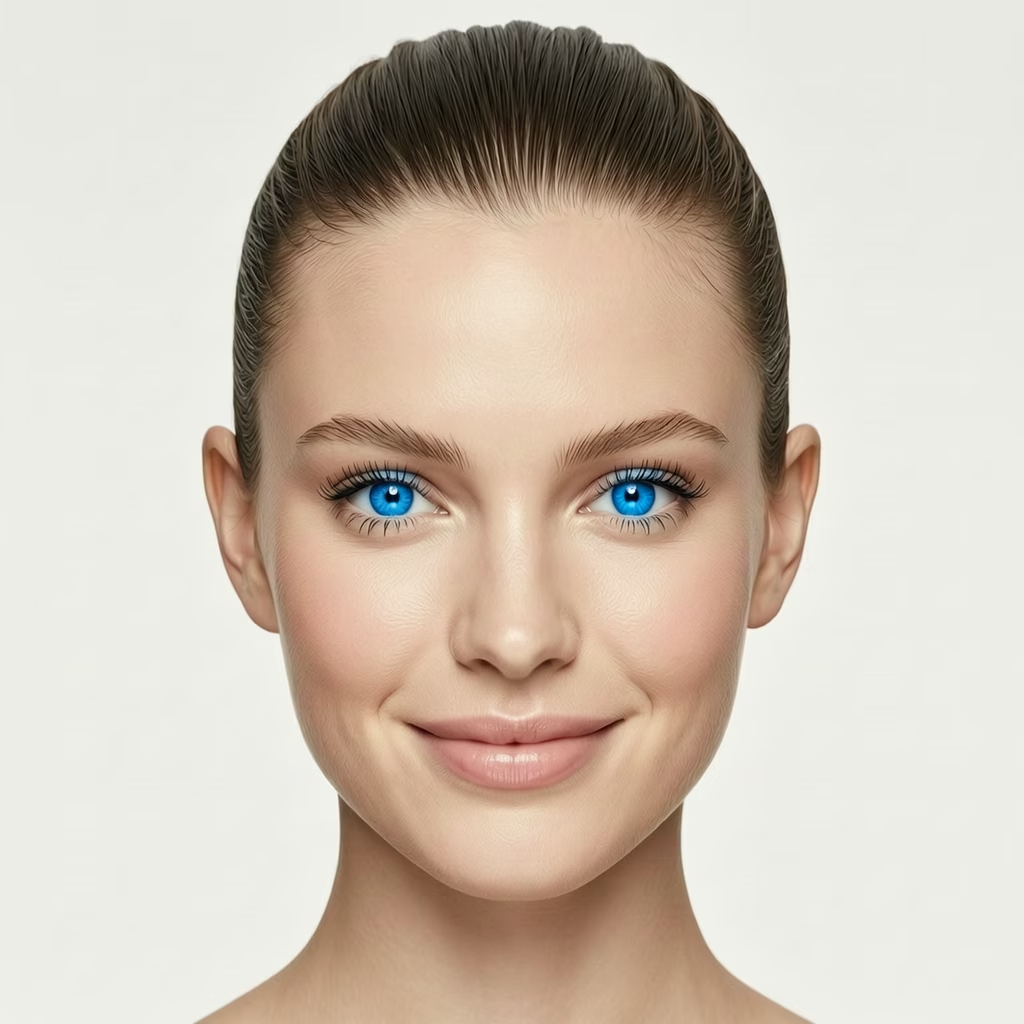
Eye Color - Blue
Blue
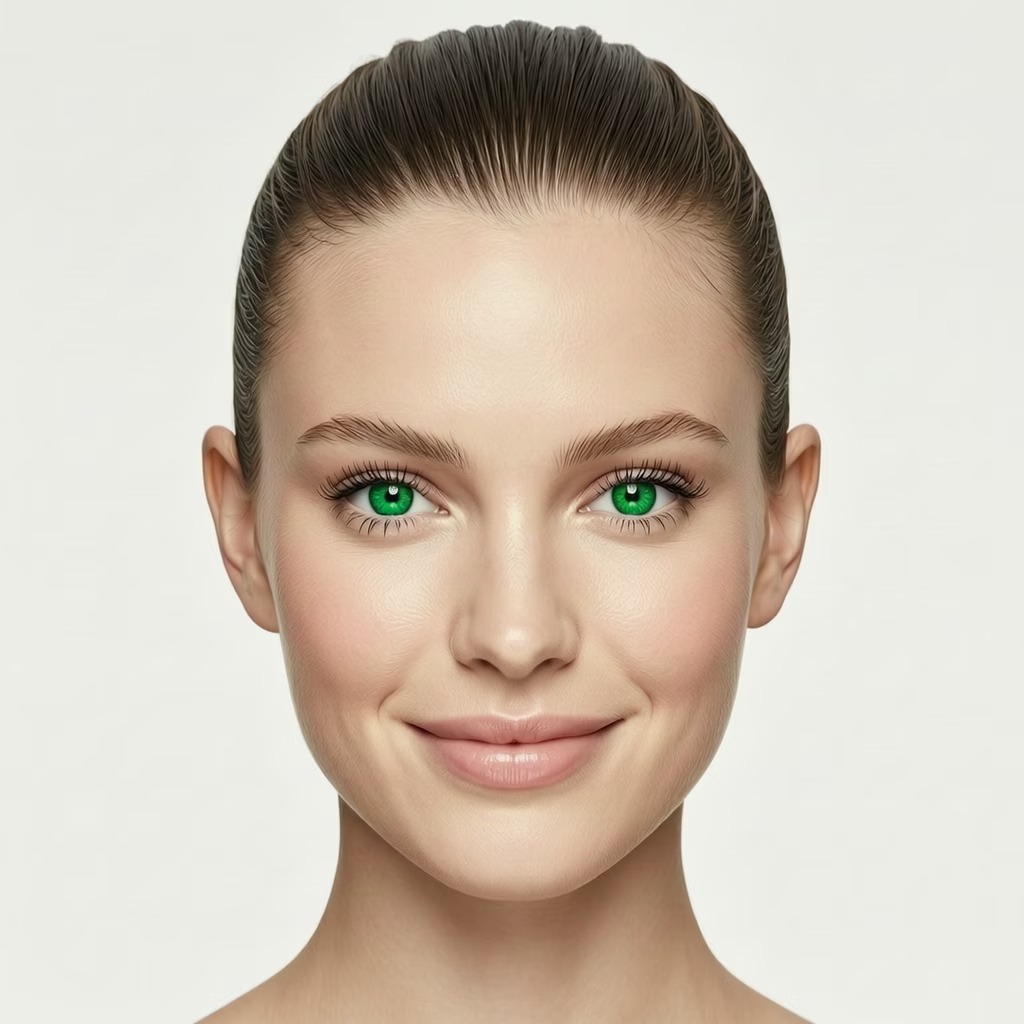
Eye Color - Green
Green
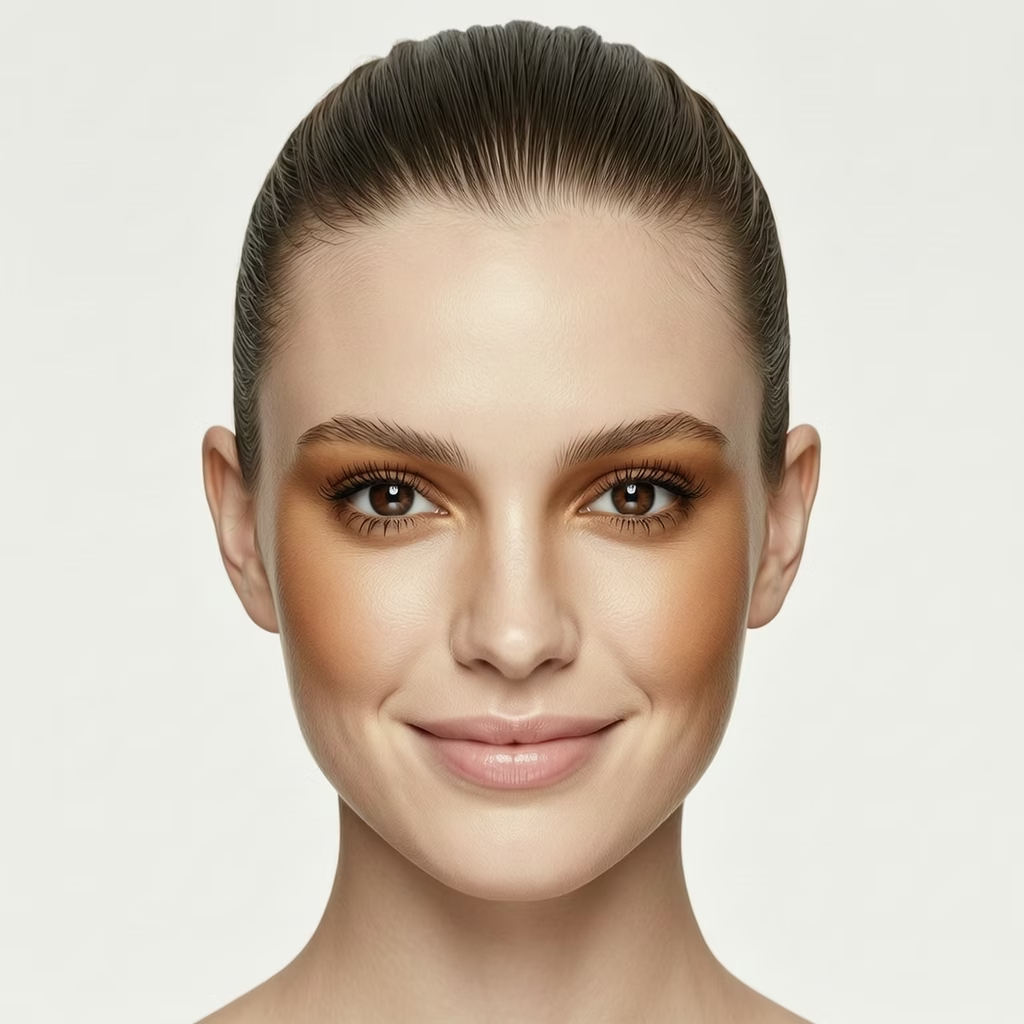
Eye Color - Brown
Brown
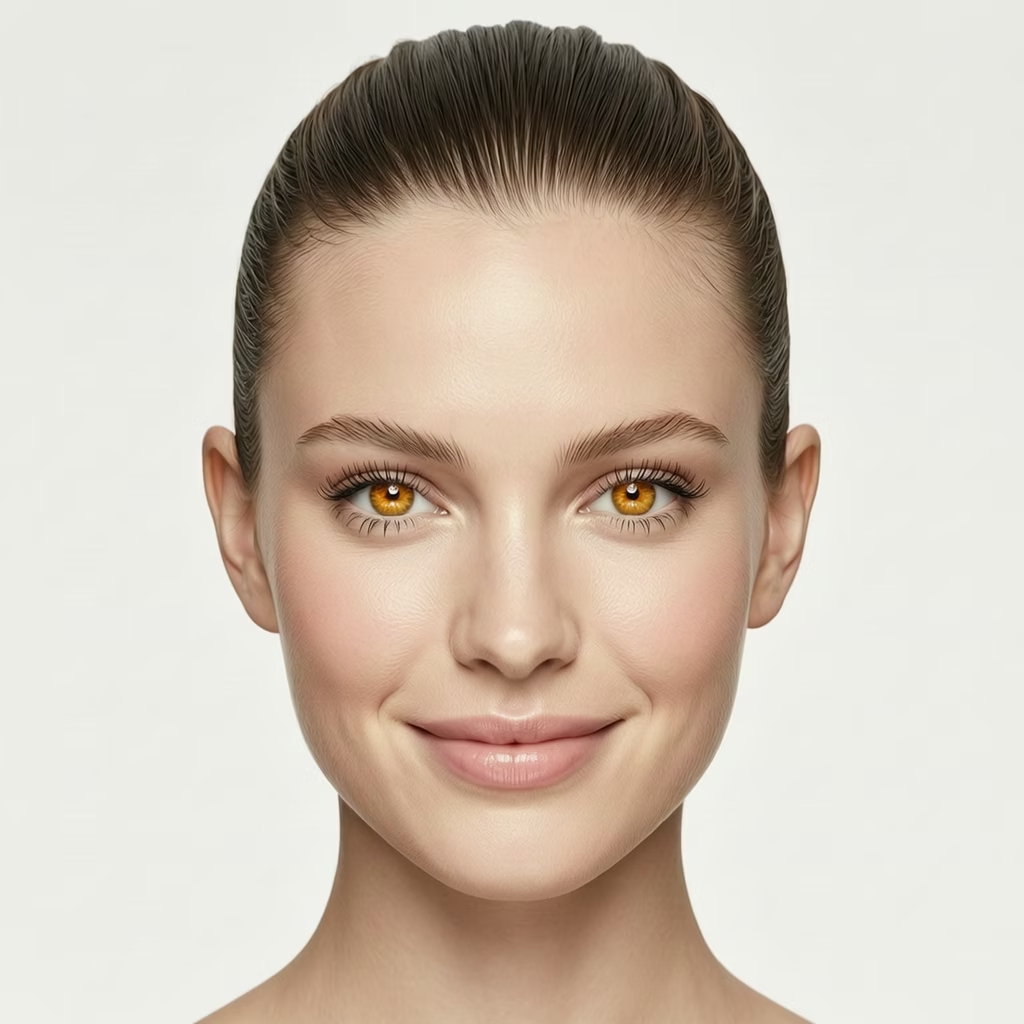
Eye Color - Amber
Amber

Change eye color naturally while preserving iris texture and light reflections

How to Use AI Face Editor

Create your custom portrait in three simple steps

1

Upload a Photo or Describe Your Character

Upload a portrait photo you'd like to edit, or enter a text description to create a face from scratch. You can describe features like age, gender, hairstyle, and overall appearance.

2

Select Facial Features to Customize

Choose the facial features you want to adjust — face shape (oval, round, square, heart), eye shape and color, nose style, lip fullness, skin tone, and more. Fine-tune each detail to match your vision.

3

Generate Your Customized Portrait

Click generate and let the AI create your personalized portrait. Preview the result, then download it in high resolution for use in projects, social media, or character design.

AI Face Editor FAQ

The AI Face Editor is an intelligent tool that lets you customize facial features to create or modify portraits. You can adjust face shape, eyes, nose, lips, skin tone, and other facial attributes using AI technology, producing realistic or stylized portraits in seconds.
Yes! You can upload a portrait photo as a starting point and then customize specific facial features. The AI will apply your selected adjustments while maintaining the natural look of the original photo. Alternatively, you can create a face entirely from a text description.
You can customize a wide range of facial features including face shape (oval, round, square, heart-shaped), eye shape and color, nose size and style, lip fullness and shape, skin tone, jawline, cheekbones, eyebrows, and more. Each feature can be fine-tuned to achieve your desired look.
In text-to-image mode, you describe the face you want to create using natural language — for example, 'a young woman with almond-shaped green eyes, high cheekbones, and warm olive skin tone.' The AI interprets your description and generates a matching portrait, which you can then further refine with the facial feature controls.
New users receive free credits to try the service. After that, each generation costs credits based on the AI model and resolution selected. Different models have different credit costs to suit various budgets.
The AI Face Editor produces high-quality portraits with fine detail in facial features, natural skin textures, and realistic lighting. Output resolution depends on the AI model selected, with options ranging from standard to high resolution suitable for printing and professional use.

Flexible AI Pricing

Pay-as-you-go credits or subscription plans. No hidden fees, cancel anytime.

Free

Try before you buy

0
One Time
USD
Free
32credits
Up to 32 images
Up to 5 videos
Watermark Free
Commercial Use
Private Tasks
Popular

Pro

For professionals and teams

39.99
1 Month
USD
1K
1000credits1 Month
Up to 1000 images1 Month
Up to 166 videos1 Month
Watermark Free
Commercial Use
Private Tasks

Lite

Perfect for beginners

19.99
1 Month
USD
400credits1 Month
Up to 400 images1 Month
Up to 66 videos1 Month
Watermark Free
Commercial Use
Private Tasks