











AI Photo Background Replacer
Swap out any photo background with AI in seconds. Pick from beautiful landscapes, solid color tones, or type in your own creative scene. Your subject stays crisp with true-to-life lighting and smooth, invisible transitions.
AI Background Changer Gallery
See how AI replaces photo backgrounds. Compare original images with background-changed results across multiple AI models.
Street Portrait to Tropical Beach
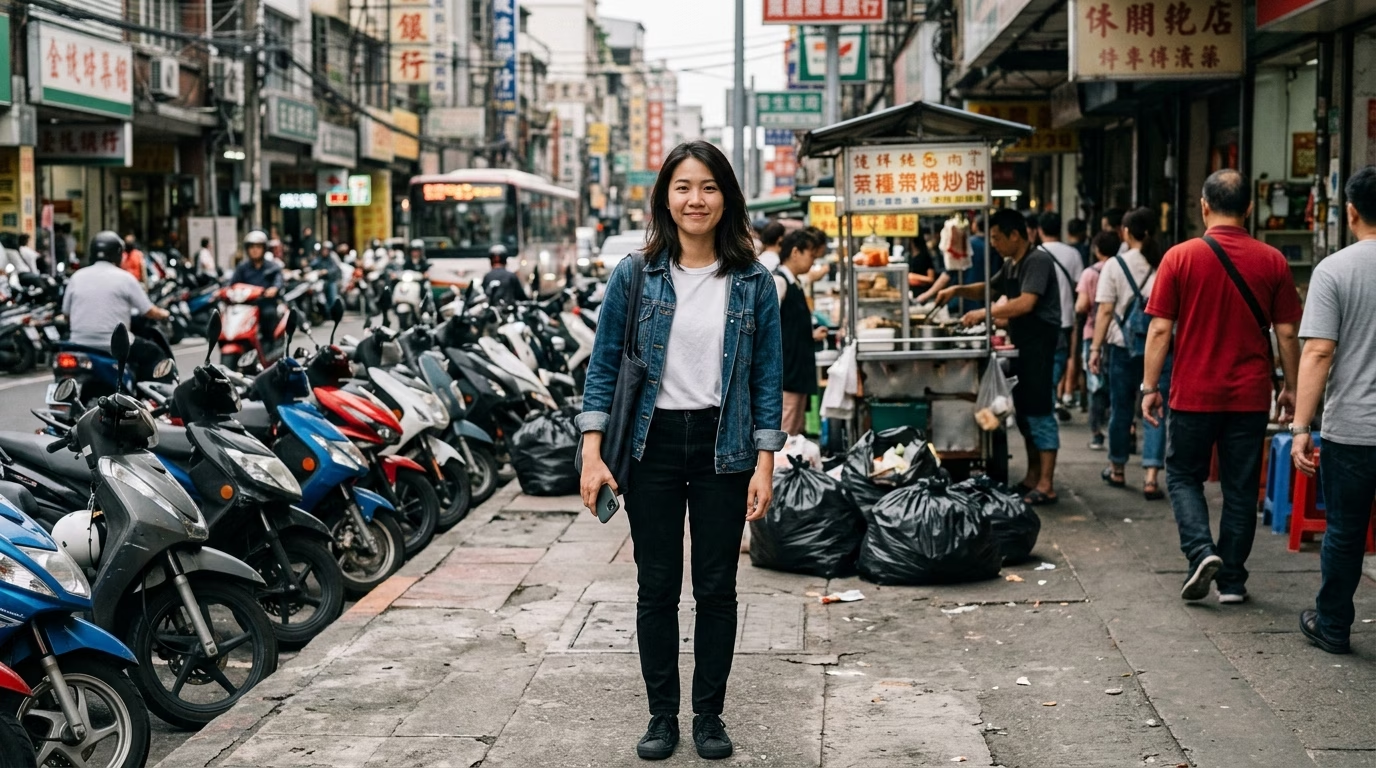
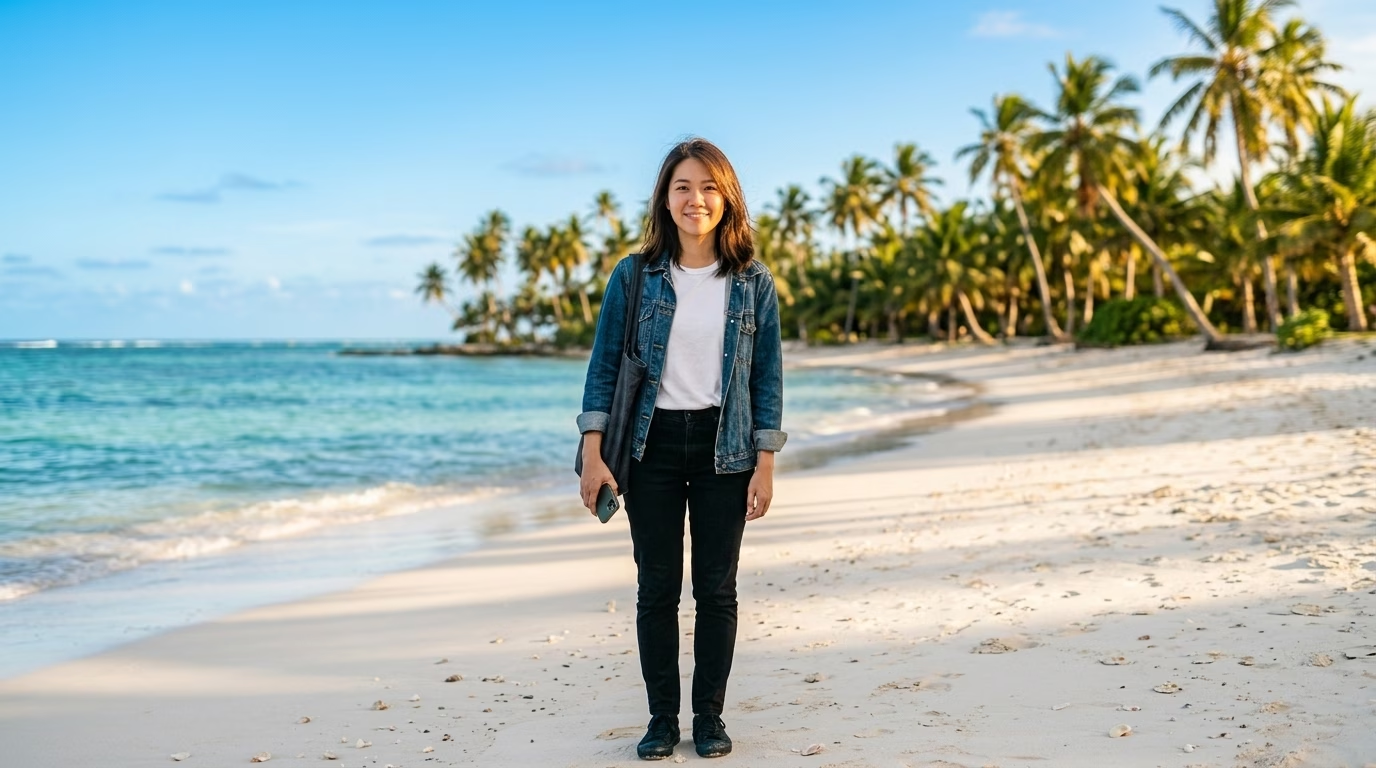

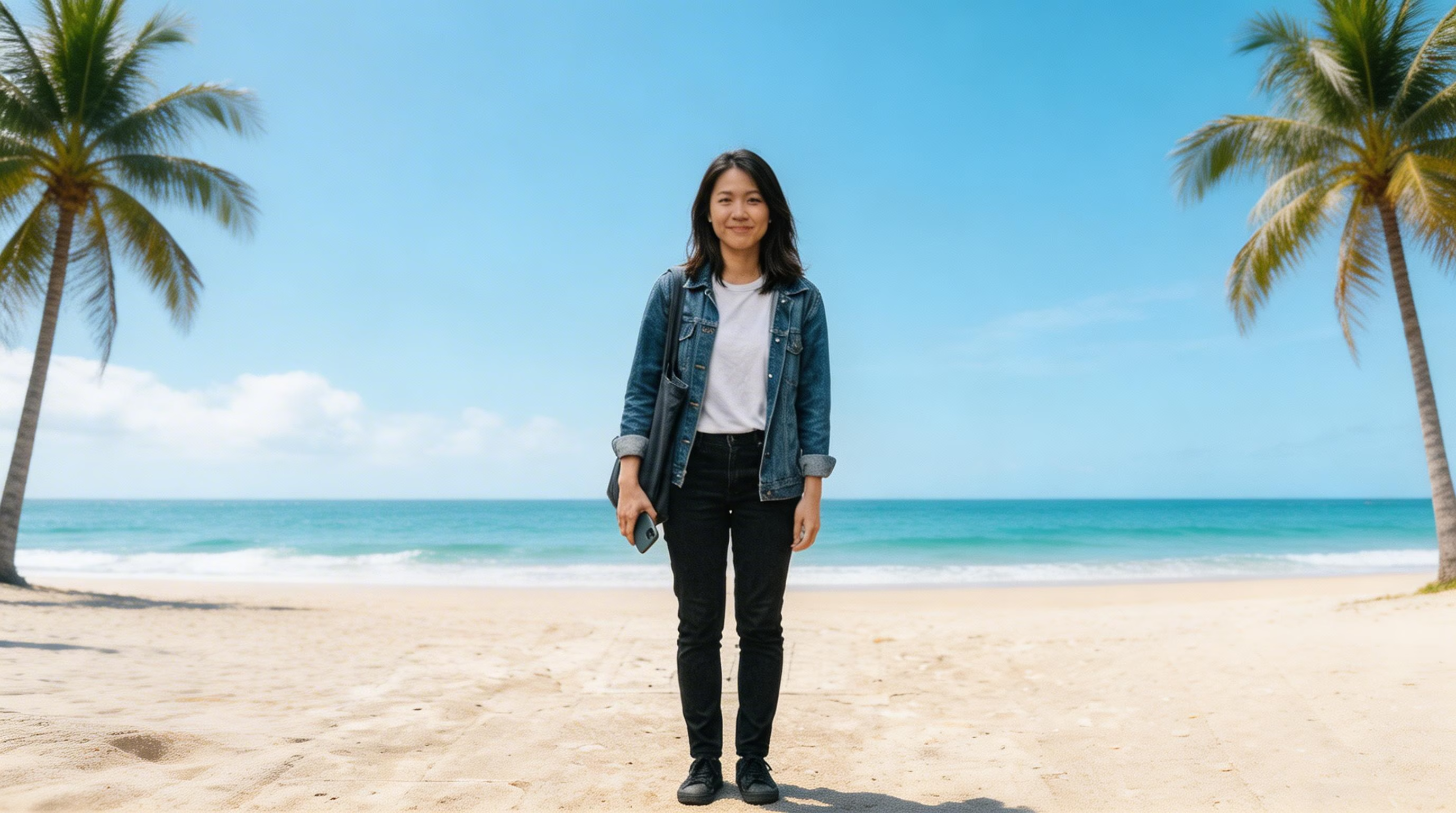
Cluttered street scene transformed into a tropical beach paradise
What Makes Our AI Background Replacer Stand Out
Swap photo backgrounds effortlessly with AI. Versatile options for any creative vision.
Diverse Scene Library
Browse 20+ ready-made scenes spanning tropical beaches, snowy mountains, bustling cityscapes, professional studios, lush gardens, deep forests, golden sunsets, cherry blossoms, and beyond
Clean Color Backdrops
Switch to a crisp solid color backdrop — white, black, blue, red, grey, or smooth gradients — ideal for polished, professional-looking images
Describe Any Scene
Type out the exact background you have in mind and let the AI bring it to life. Unlimited creative possibilities for truly one-of-a-kind results
Smart Edge Detection
Cutting-edge AI carefully retains hair edges, fabric textures, and subtle details while integrating the new backdrop without artifacts
Multi-Resolution Export
Export your finished image in 1K, 2K, or 4K resolution. Ideal whether you need it for social posts, print materials, or commercial projects
Seamless Light Matching
AI aligns light direction, color warmth, and spatial depth so the final composite looks like an authentic photograph — no telltale edges or mismatches
How to Replace a Photo Background with AI
Swap your photo background in three quick steps
Upload Your Image
Pick and upload the image you want to give a new background. JPEG and PNG files are accepted. The AI will automatically identify and outline the main subject in your photo.
Select a New Background
Choose your background style: browse 20+ preset scenes (tropical shore, studio, golden sunset, cherry blossoms, etc.), pick a solid color (white, black, blue, etc.), or type a custom description for any backdrop you envision.
Create & Save
Pick your preferred AI model and output size (1K, 2K, or 4K), then hit create. The AI swaps out the background while keeping your subject sharp with natural-looking light. Save the finished image right away.
Background Replacer — Frequently Asked Questions
Flexible AI Pricing
Pay-as-you-go credits or subscription plans. No hidden fees, cancel anytime.