










ローカルでもQwen-Image-Edit-2509で色々なことができるようになった。 開始:元画像からモノを消した画像を編集 終了:元画像を編集 サンプル4:やったー! 編集:Qwen-Image-Edit 2509 動画:Wan 2.2 FLF2V 14B + RIFE VFI #ComfyUI #QwenImage #Wan22 #動画生成 #生成AI


Qwen Image 2.0 Generator
Create high-fidelity visuals with Qwen Image 2.0 and Qwen Image 2.0 Pro. Kify gives you one workflow for text-to-image and image editing, with reliable prompt following and strong bilingual text rendering.
Public
0 / 8192
Qwen Image 2.0 Text-to-Image Examples
From product mockups to editorial visuals, Qwen Image 2.0 keeps layout, style, and text details consistent.
AI Image
Editorial Poster
Generate publication-style visuals with readable headline text and balanced hierarchy.
Prompt
“Clean editorial poster with bold title, supporting subtitle, and strong visual focal point”
Qwen Image 2.0 Image Editing
Edit with plain instructions while preserving composition and subject identity.
Input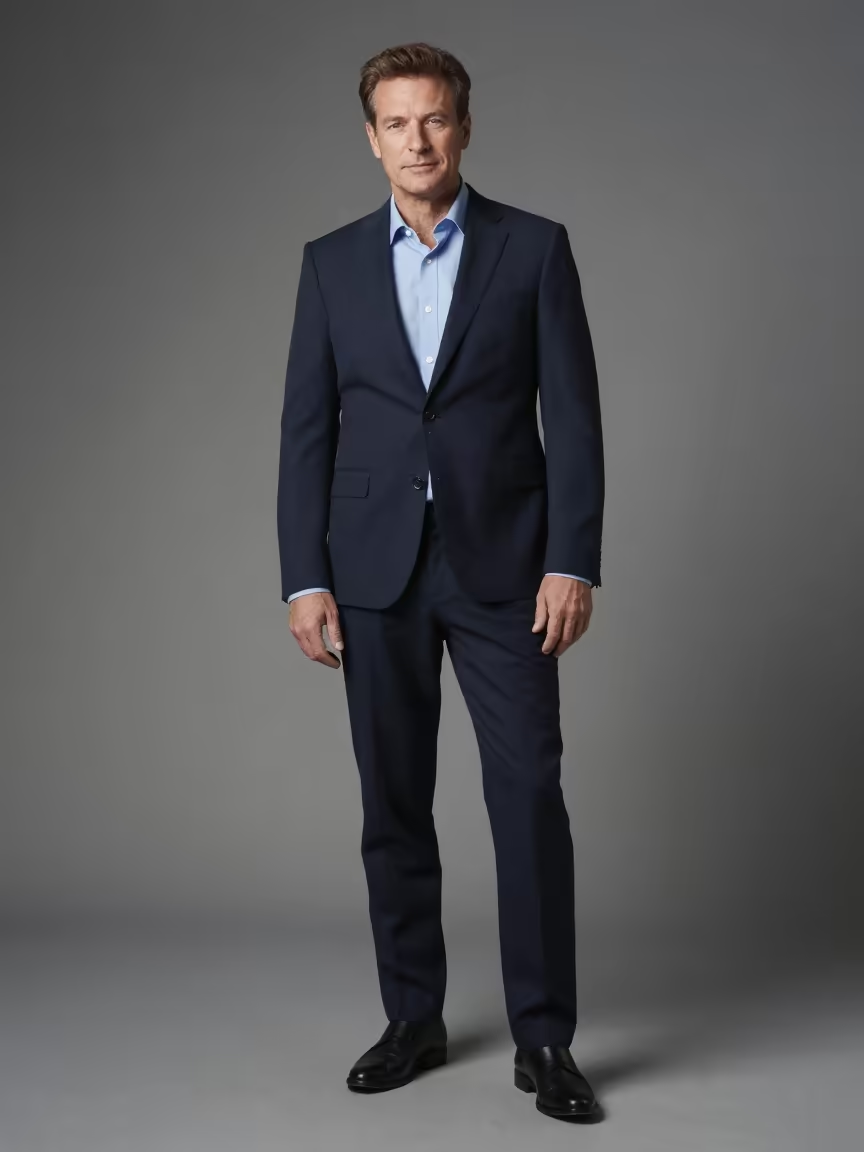
Output
Style Transfer
Qwen Image 2.0 Video Showcase
Walkthroughs and demos for generation and editing workflows.
- Qwen Image Edit 2509 Tutorial | Multi-Image Prompting in ComfyUI (8GB VRAM) - AIdea Lab
- ComfyUI Tutorial Series Ep 64 Nunchaku Qwen Image Edit 2509 - pixaroma
- This new free AI image generator is WILD! Qwen Image tutorial - AI Search
Qwen Image 2.0 Video Showcase
Walkthroughs and demos for generation and editing workflows.
Qwen Image 2.0 on X
Community examples and discussions from X.

I trained some LoRAs on my own illustrations and some other friend illlustrations among other things. This is one I like the most: huggingface.co/lichorosario/c…

🎬 Qwen Image Edit 2509 Thank you, ComfyUI!

youtube.com/watch?v=PgF8xJ…
What Is Qwen Image 2.0
Qwen Image 2.0 is a high-capability image model family used for both generation and guided editing.
What Is Qwen Image 2.0
Qwen Image 2.0 is a high-capability image model family used for both generation and guided editing.
Why Use Qwen Image 2.0 on Kify
A focused stack for prompt-driven generation and controlled editing.
Clear Text in Images
Generate banners, covers, and posters with readable in-image text.
Stable Prompt Adherence
Complex scene instructions stay coherent across outputs.
Unified Create + Edit
Switch from text-to-image to image editing in one model page.
Pro Variant Included
Use Pro when you need tighter details and higher consistency.
Qwen Image 2.0 FAQ
Answers for daily production use.
Still have questions?
Use Pro for polished commercial creatives, typography-heavy visuals, or tasks where consistency matters more than speed.
Yes. Upload one or more references and describe the target change in natural language.
Yes. Kify supports repeatable settings and model pinning, which helps teams keep output style consistent.
How to Use Qwen Image 2.0
A simple workflow for stable outputs.
1
Define Subject + Context2
Add Style + Output Goal3
Iterate with Pro if NeededStart with who/what appears, then add environment and mood.
Flexible AI Pricing
Pay-as-you-go credits or subscription plans. No hidden fees, cancel anytime.