






Logo

AI Photo Relighting

Reshape the light and atmosphere in any photograph using AI. Effortlessly swap midday glare for a warm sunset glow, trade harsh flash for polished studio illumination, or lift dim rooms with gentle natural light from a window.

Input Photo*
0 / 500
*

AI Photo Relighting Gallery

See how AI transforms your photo lighting. Compare original images with relit results across multiple AI models.

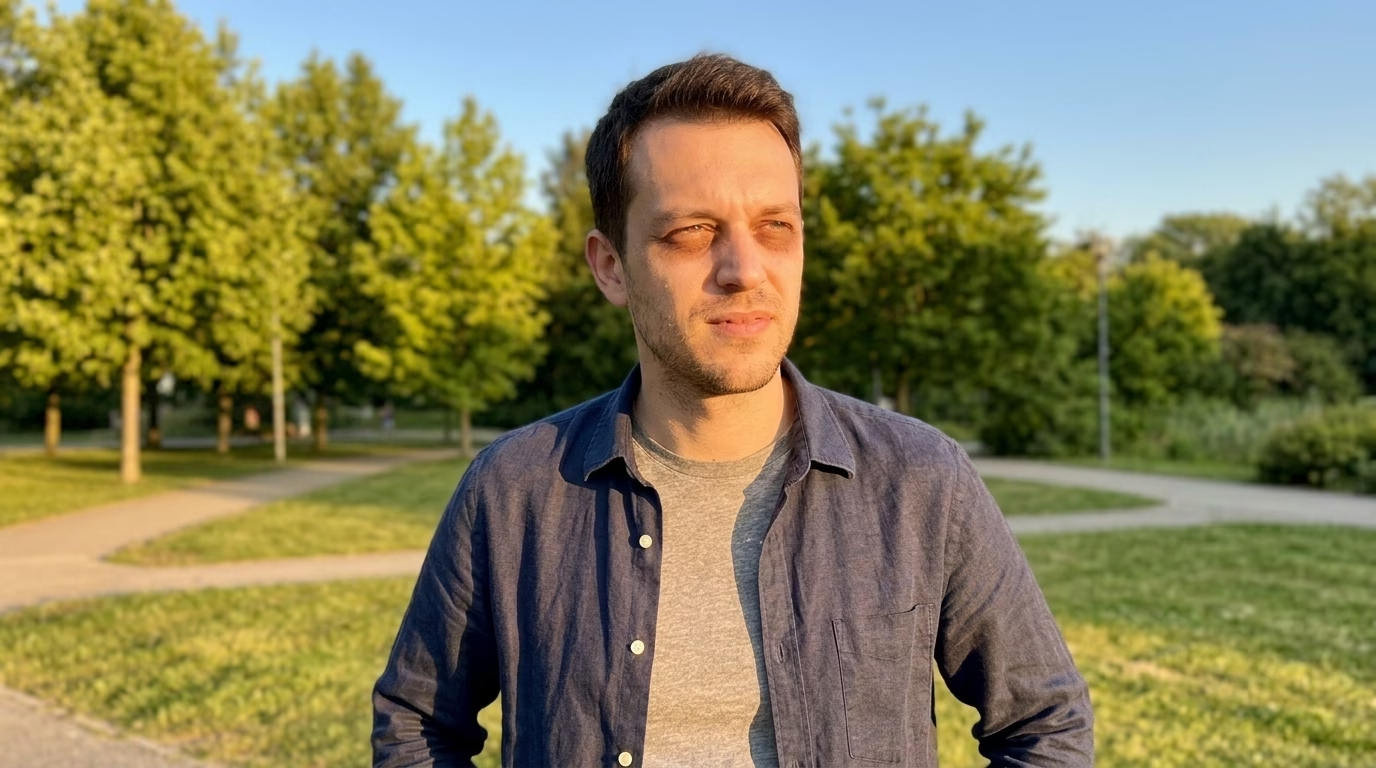
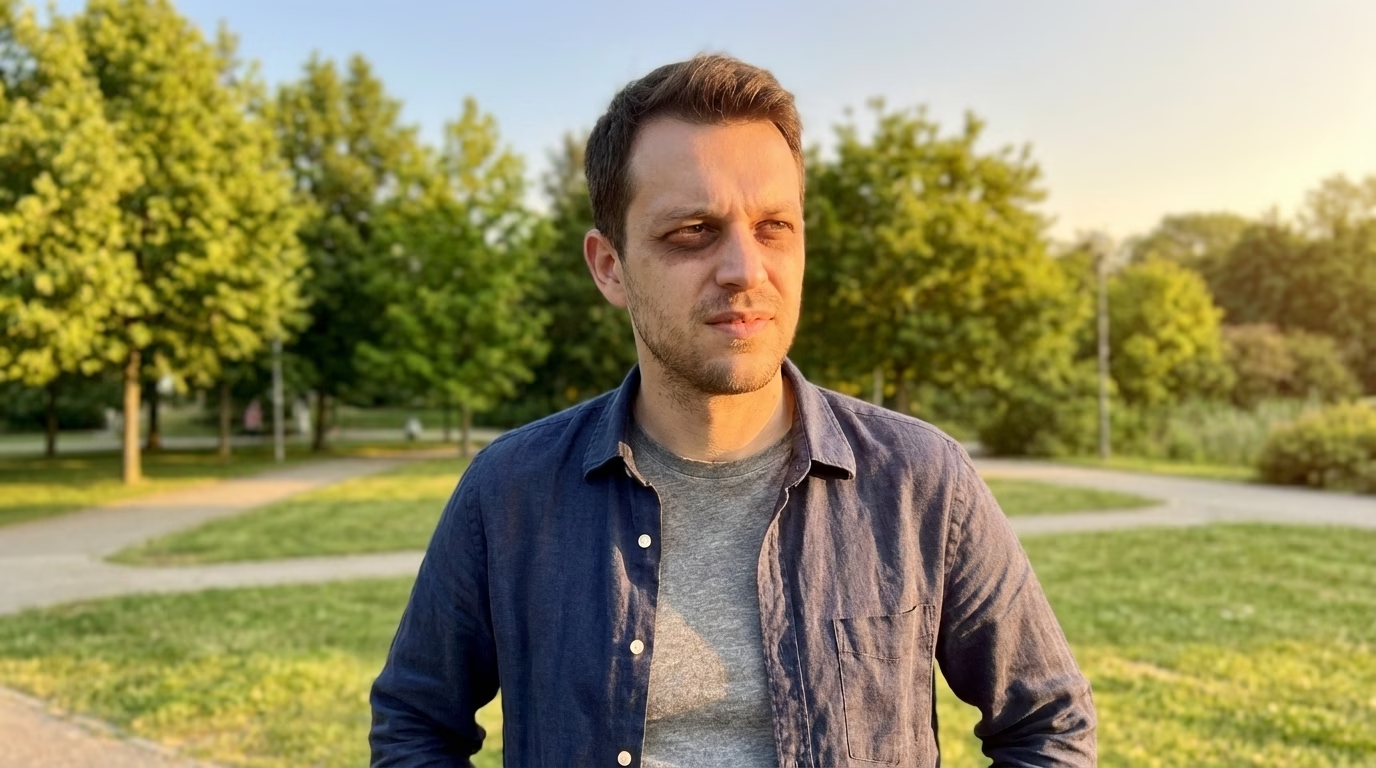
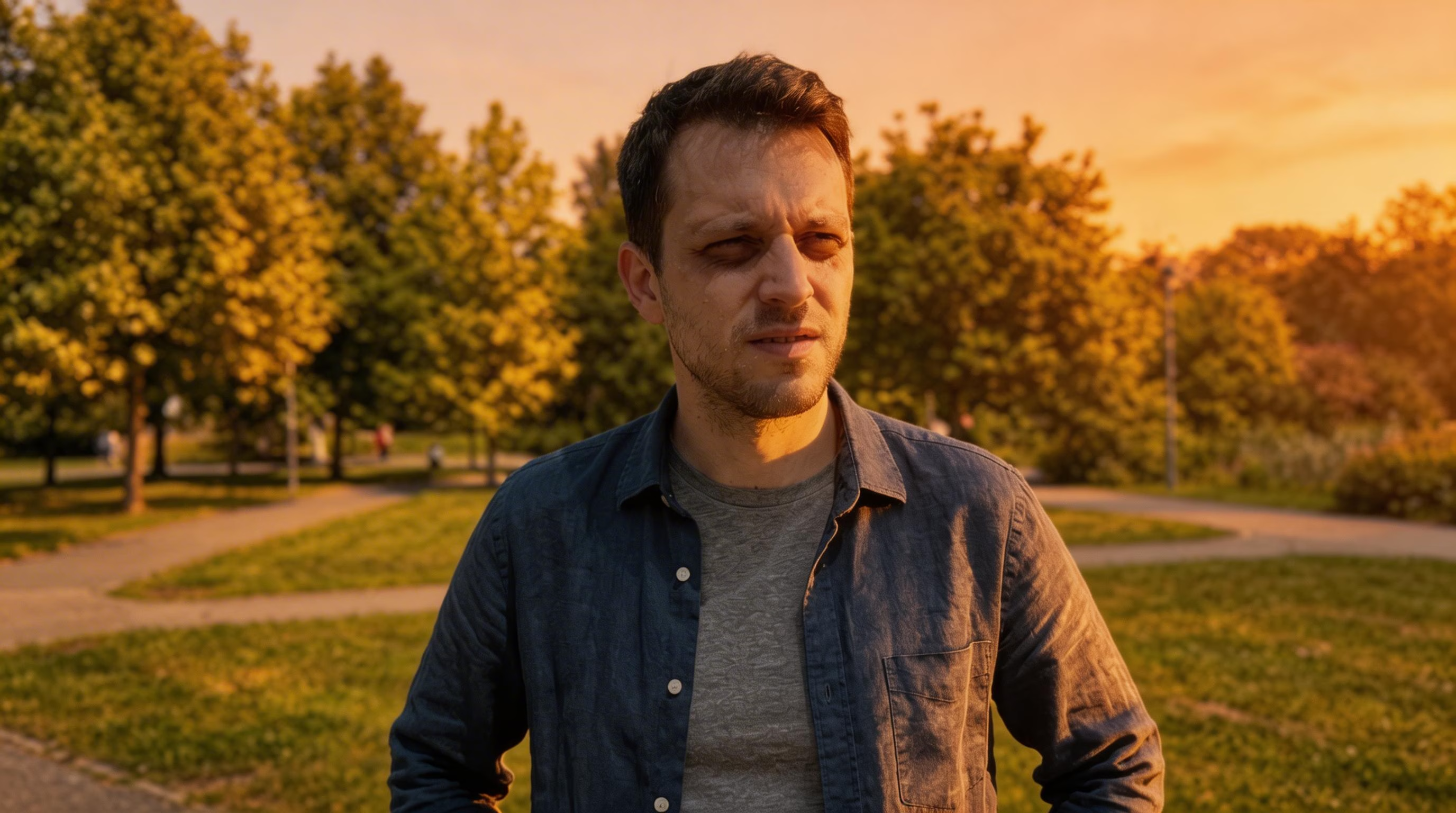
Noon Portrait to Golden Hour
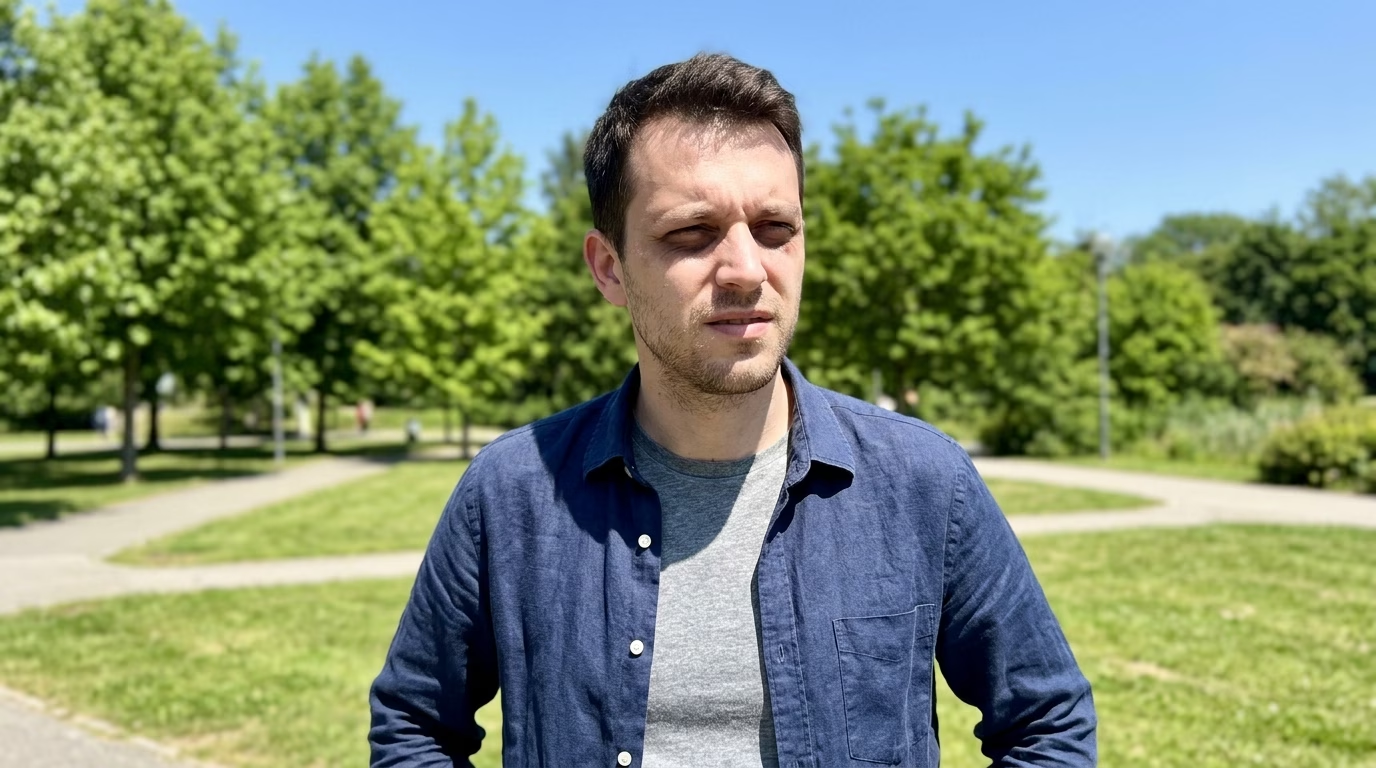
Golden Hour - Original
Original
Golden Hour - Nano Banana 2
Nano Banana 2
Golden Hour - Nano Banana Pro
Nano Banana Pro
Golden Hour - Seedream 5
Seedream 5

Transform flat noon lighting into warm golden hour glow

AI Photo Relighting Capabilities

Reimagine the lighting of any photograph with intelligent AI relighting tools. A variety of lighting presets to suit every creative vision.

Sunset Warm Glow

Bathe your photo in rich, warm sunset tones with deep amber highlights and elongated shadows for a dreamy, radiant feel

Professional Studio Setup

Simulate polished studio-grade illumination that wraps subjects in smooth, even diffused light for flawless results

Cinematic Light & Shadow

Create striking chiaroscuro effects with powerful contrast between light and dark for dramatic, movie-like portraits

Electric Neon Glow

Infuse photos with vivid neon hues and futuristic luminescence for bold, cutting-edge visual storytelling

How to Use AI Photo Relighting

Transform your photo's lighting with AI in three quick steps

1

Upload Your Image

Pick and upload the image you want to relight. JPEG and PNG formats are accepted. Select a lighting preset (Sunset Glow, Studio Soft, Cinematic, Neon, and others), choose an intensity (Light, Medium, Bold), and optionally provide custom direction notes.

2

AI Reshapes the Lighting

Our neural network analyzes the current light conditions in your image and intelligently applies the chosen style. It recalculates light direction, warmth, shadow depth, and highlight placement while keeping the subject's natural look and fine details intact.

3

Save Your Relit Image

When processing wraps up, download your newly lit image in high resolution right away. The output reveals a striking shift in lighting and mood, perfect for social media posts, creative portfolios, or professional projects.

AI Photo Relighting FAQ

AI Photo Relighting leverages neural network models to detect and map the existing light sources in your image. It then reconstructs the lighting based on your selected style, recalculating light angles, shadow positions, highlight warmth, and color balance to produce a photorealistic result while keeping the subject untouched.
Kify provides 10 preset options: Sunset Glow (warm amber tones), Blue Hour (cool pre-dawn tint), Studio Soft (even diffused illumination), Chiaroscuro (high-contrast drama), Neon Electric (colorful futuristic glow), Daybreak (crisp morning rays), Overcast Sky (gentle cloud-filtered light), Window Natural (directional indoor light), Edge Backlight (rim-lit silhouettes), and Candle Flame (intimate warm flicker).
Absolutely. Every lighting preset comes with three strength settings: Light (a soft, barely-there shift), Medium (a well-balanced change), and Bold (a vivid, eye-catching transformation). You can also write custom notes to guide the AI on specific light direction or desired mood.
Portraits, headshots, and images with a well-defined subject tend to yield the most impressive results. Both indoor shots and outdoor scenes are supported. Images where the subject stands out clearly from the background benefit the most, though the AI can also handle flat midday exposures, harsh flash shots, and underlit interiors.
Not at all. The AI is designed to modify only the lighting environment: shadows, highlights, and color temperature. Facial details, skin texture, clothing, and all other elements remain exactly as they are in the original photo.
Costs depend on the AI model selected and the output size: 1K resolution starts from 3 credits, 2K from 5 credits, and 4K ranges between 5 and 20 credits based on the model. The chosen lighting style and intensity level do not impact the price. First-time users get complimentary credits to explore the tool.

Flexible AI Pricing

Pay-as-you-go credits or subscription plans. No hidden fees, cancel anytime.

Free

Try before you buy

0
One Time
USD
Free
32credits
Up to 32 images
Up to 5 videos
Watermark Free
Commercial Use
Private Tasks
Popular

Pro

For professionals and teams

39.99
1 Month
USD
1K
1000credits1 Month
Up to 1000 images1 Month
Up to 166 videos1 Month
Watermark Free
Commercial Use
Private Tasks

Lite

Perfect for beginners

19.99
1 Month
USD
400credits1 Month
Up to 400 images1 Month
Up to 66 videos1 Month
Watermark Free
Commercial Use
Private Tasks