






Dreamega.ai

Enhance Your Photos with AI

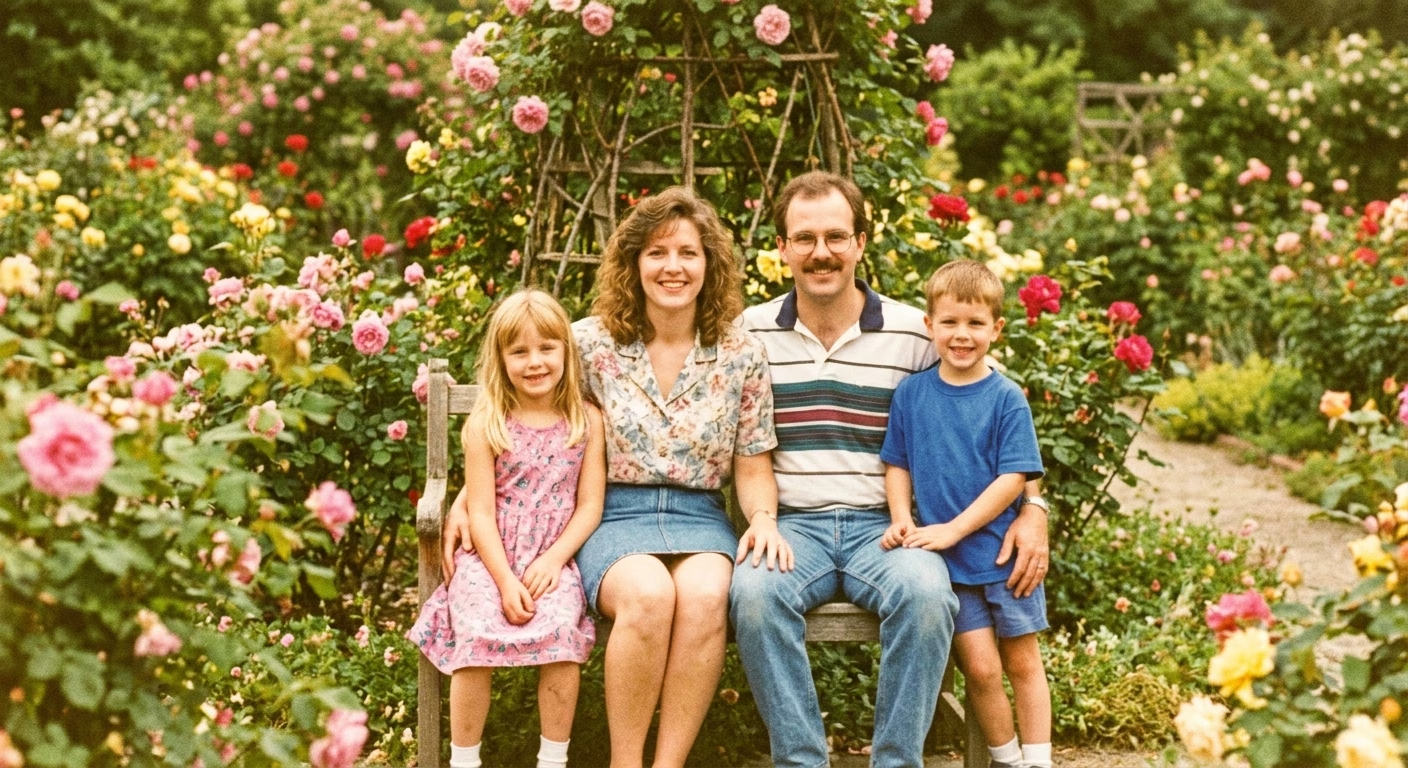
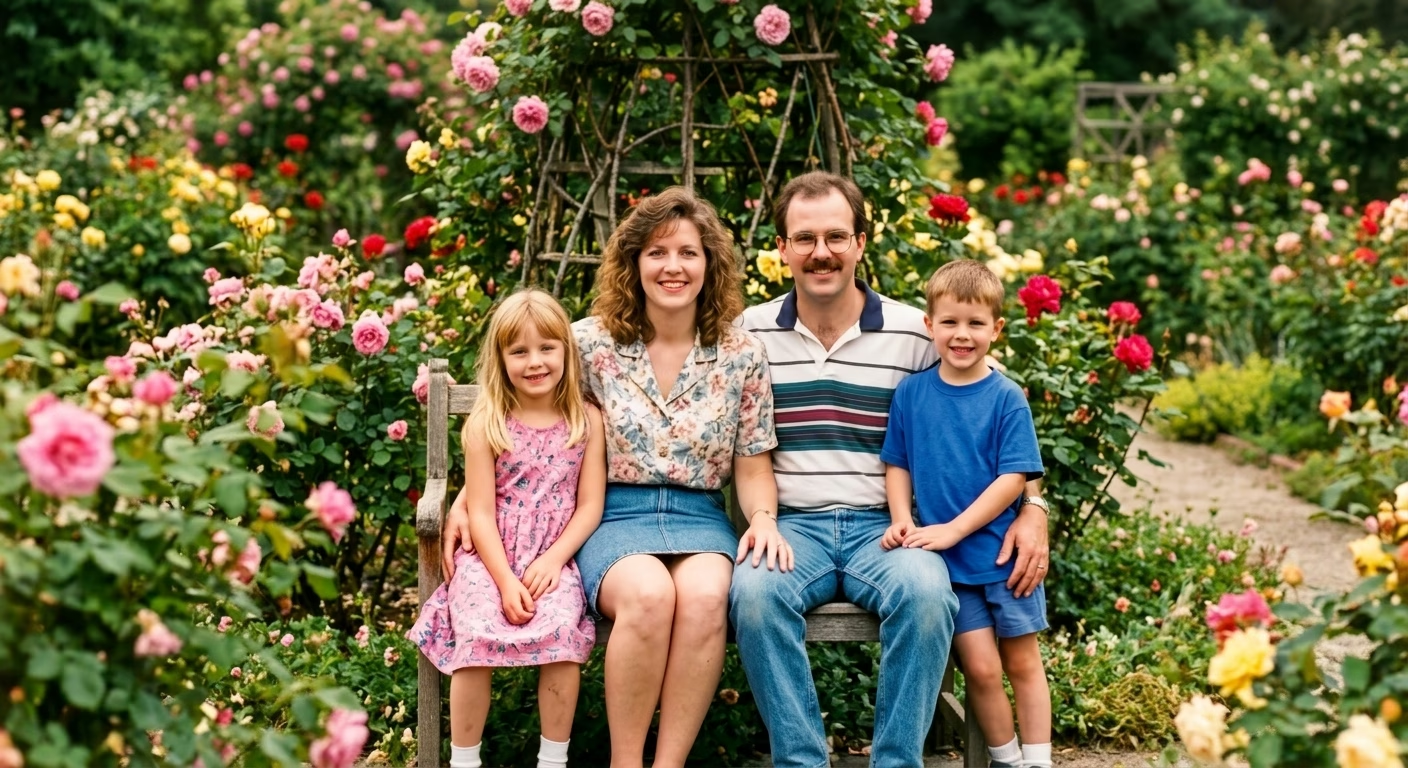
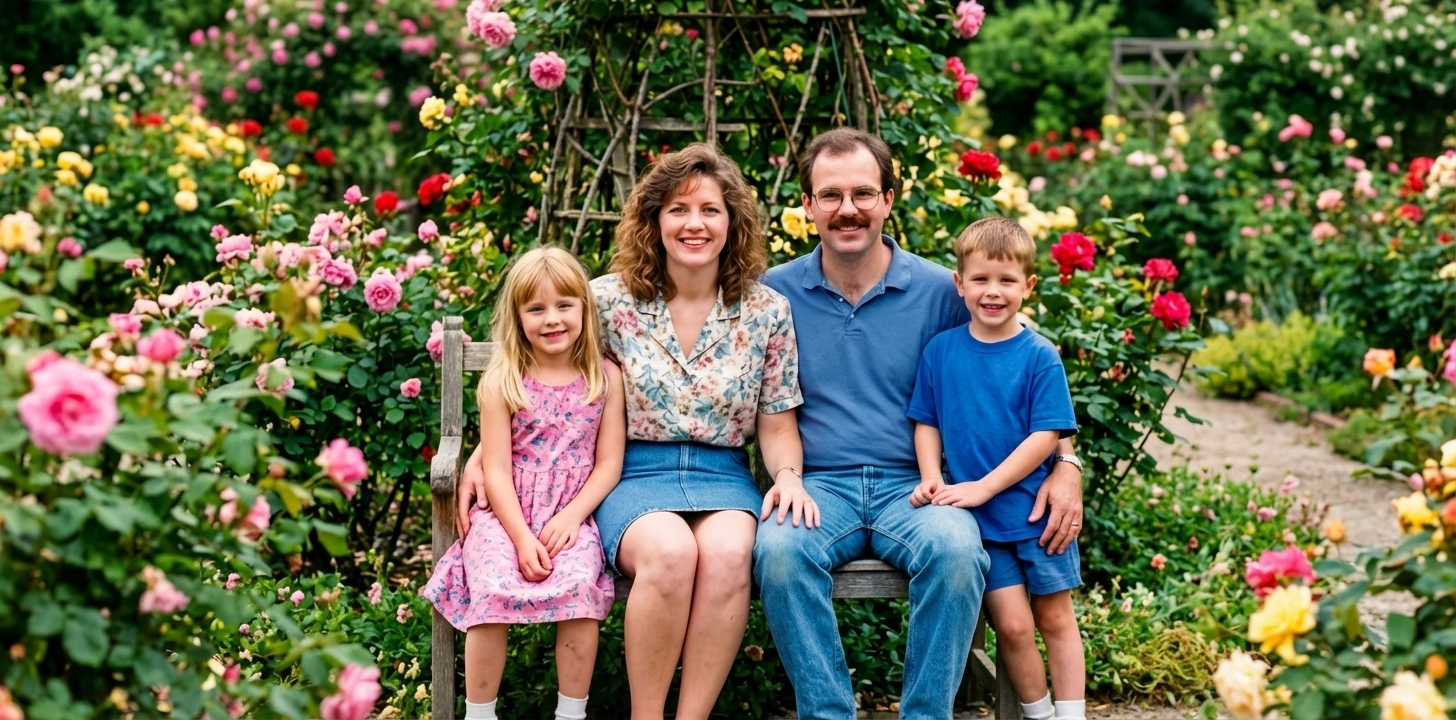
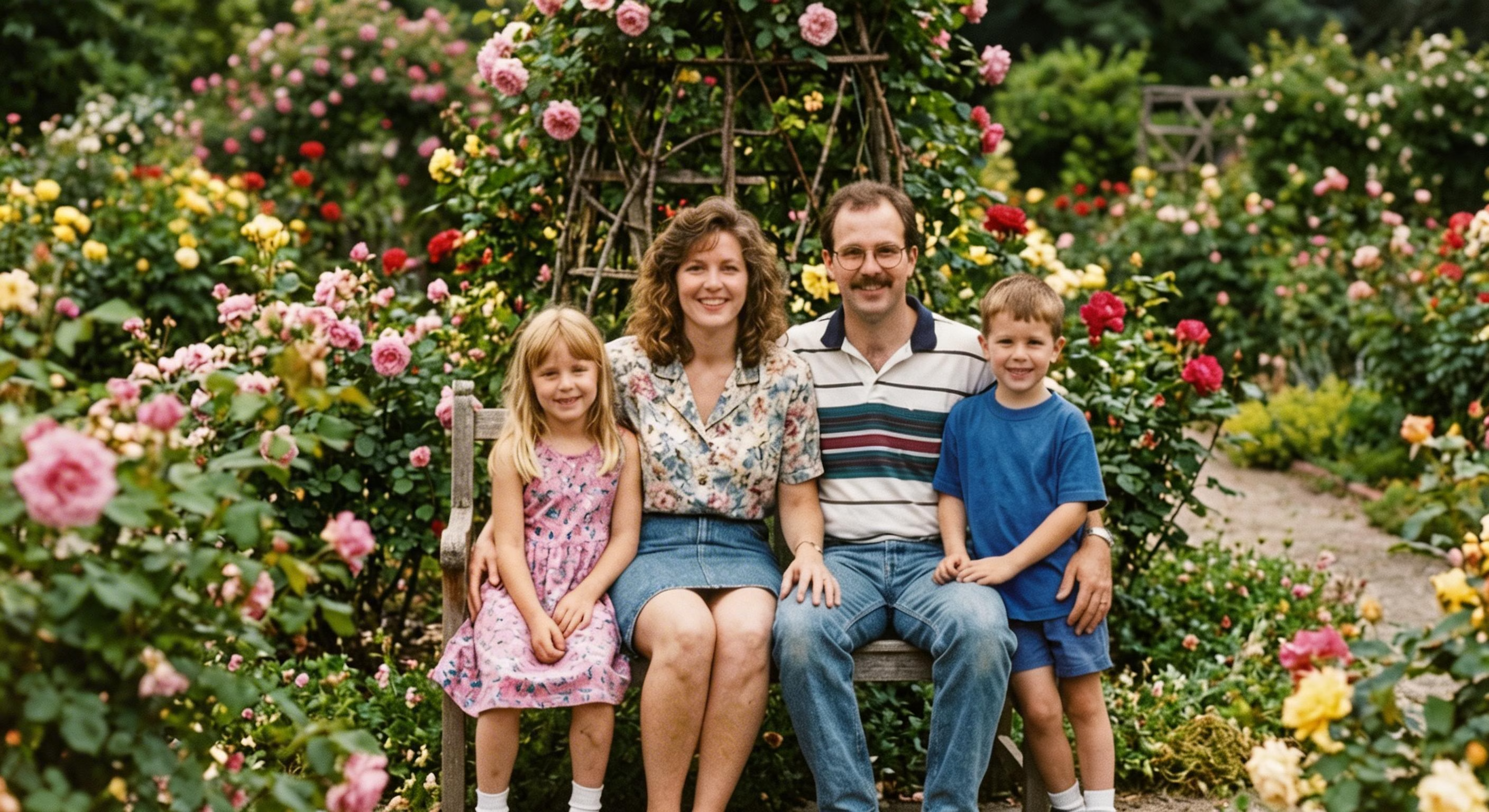
Professional AI photo enhancement tool. Remove noise, fix colors, sharpen images, adjust lighting, add HDR effect, retouch portraits, and apply cinematic color grading. Transform your photos instantly with one click.

Input Photo*
Upload or Select File

Generated results will appear here

After submitting a task, AI-generated content will be displayed here

Public

Powerful AI Photo Enhancement Features

Transform your photos with professional AI enhancement. Multiple enhancement modes for every need.

AI Denoising

Remove grain, noise and artifacts from photos while preserving details and textures

Smart Color Correction

Fix white balance, color casts, and enhance vibrancy for natural, true-to-life colors

Professional Sharpening

Enhance edge definition and bring out fine details for crisp, clear images

Lighting Optimization

Fix underexposed or overexposed photos, recover shadow details and reduce highlights

All-in-One Enhancement

Comprehensive enhancement combining denoising, color correction, sharpening and lighting fix

Portrait Retouching

Smooth skin naturally, brighten eyes, and enhance facial features while keeping authentic look

HDR Effect

Expand dynamic range, enhance local contrast for dramatic yet realistic looking photos

Cinematic Color Grading

Apply professional film-inspired color toning for moody, cinematic atmosphere

How to Use AI Photo Enhancement

Enhance your photos with AI in three simple steps

1

Upload Your Photo

Select and upload the photo you want to enhance. Supported formats include JPEG and PNG. Choose your enhancement type (Denoise, Color Correction, Sharpening, Lighting Fix, All-in-One, Portrait Retouch, HDR Effect, or Cinematic), strength level (Light, Medium, Strong), and output resolution (1K, 2K, or 4K).

2

AI Enhances Your Photo

Our advanced AI analyzes your photo and applies intelligent enhancements based on your selected mode. Whether removing noise, fixing colors, sharpening details, or applying cinematic grading, the AI ensures professional-quality results while preserving your photo's natural look.

3

Download Enhanced Photo

Once processing completes, instantly download your enhanced photo in high quality. The result shows dramatic improvement in image quality, ready for sharing, printing, or professional use.

AI Photo Enhancement FAQ

AI Photo Enhancement uses advanced deep learning algorithms to analyze and improve your photos. The AI detects issues like noise, color imbalance, blur, and lighting problems, then applies intelligent corrections while preserving important details. Different enhancement modes target specific improvements: denoising removes grain, color correction fixes white balance, sharpening enhances clarity, and more.
We offer 8 enhancement types: 1) Denoising - removes noise and grain, 2) Color Correction - fixes colors and white balance, 3) Sharpening - enhances clarity and details, 4) Lighting Fix - corrects exposure issues, 5) All-in-One - comprehensive enhancement, 6) Portrait Retouching - skin smoothing and facial enhancement, 7) HDR Effect - expands dynamic range, 8) Cinematic Color Grading - applies film-style color toning.
Yes! Our AI Denoising feature effectively removes digital noise, grain, and artifacts from photos. It's especially useful for photos taken in low light, high ISO settings, or older digital cameras. The AI intelligently distinguishes between noise and actual image details, ensuring your photos stay sharp and detailed while removing unwanted noise.
AI Color Correction analyzes your photo's color balance, detects color casts (like yellow indoor lighting or blue shadows), and automatically corrects them. It optimizes white balance, enhances color saturation naturally, and improves tonal range. The result is vibrant, true-to-life colors without oversaturation or artificial appearance.
HDR (High Dynamic Range) effect expands the tonal range of your photos, recovering details in both shadows and highlights. It increases local contrast for a more dramatic, detailed look while maintaining a natural appearance. This effect is perfect for landscape photos, architecture, and any scene with high contrast between bright and dark areas.
Yes! Our Portrait Retouching mode is specifically designed for portraits. It smooths skin naturally while keeping authentic textures (no plastic look), brightens eyes, enhances facial features, and improves skin tone evenness. Hair and clothing remain sharp and detailed. The result looks professionally retouched yet natural.
You can enhance photos at three resolution levels: 1K (approximately 1024 pixels, 3 credits), 2K (approximately 2048 pixels, 9 credits), and 4K (approximately 4096 pixels, 18 credits). Higher resolutions provide more detail and are suitable for large prints. The 1K option uses Gemini 3 Pro for fast processing, while 2K and 4K use Nano Banana Pro for maximum quality.
Pricing is based on output resolution: 1K costs 3 credits per photo, 2K costs 9 credits, and 4K costs 18 credits. The enhancement type and strength don't affect pricing - only the resolution matters. New users receive free credits to try the service. You can purchase additional credits through our flexible pricing plans.

Flexible AI Pricing

Pay-as-you-go credits or subscription plans. No hidden fees, cancel anytime.